u64deck
by zildac · io.github.zildac.u64deck
Not TrustedWeb appUnrated★ 25 stars
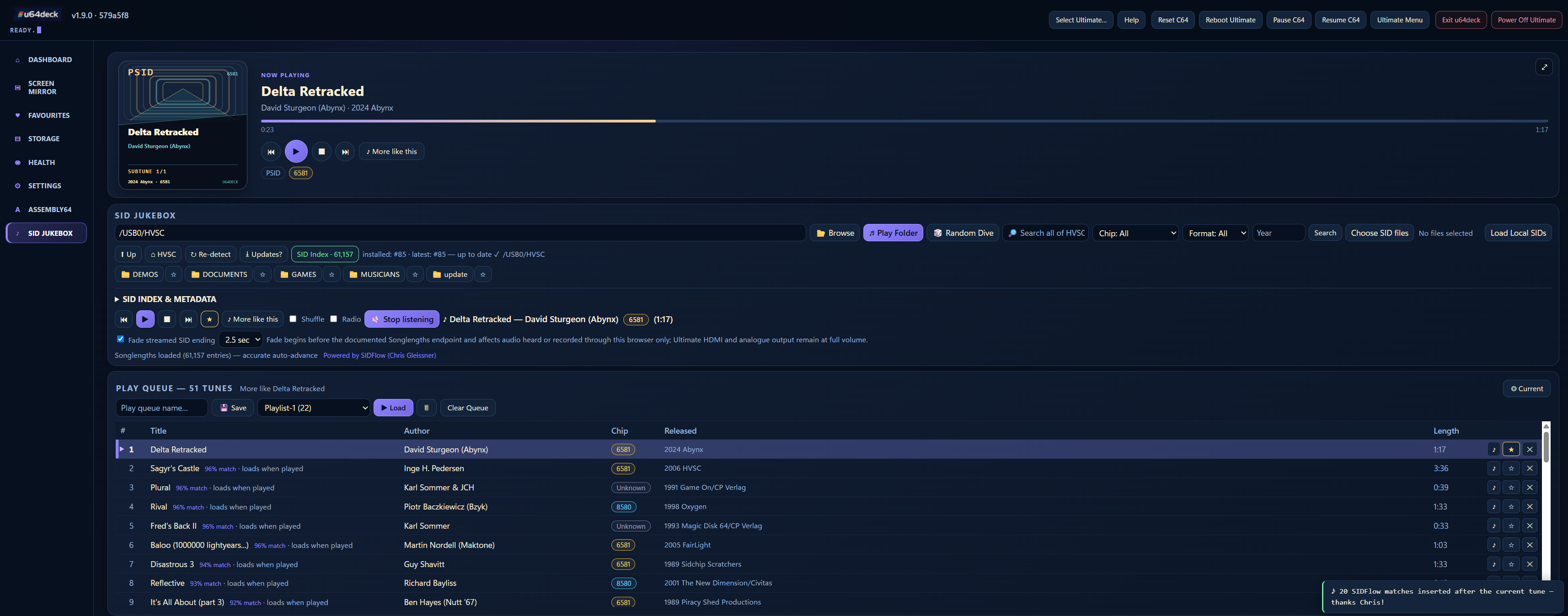
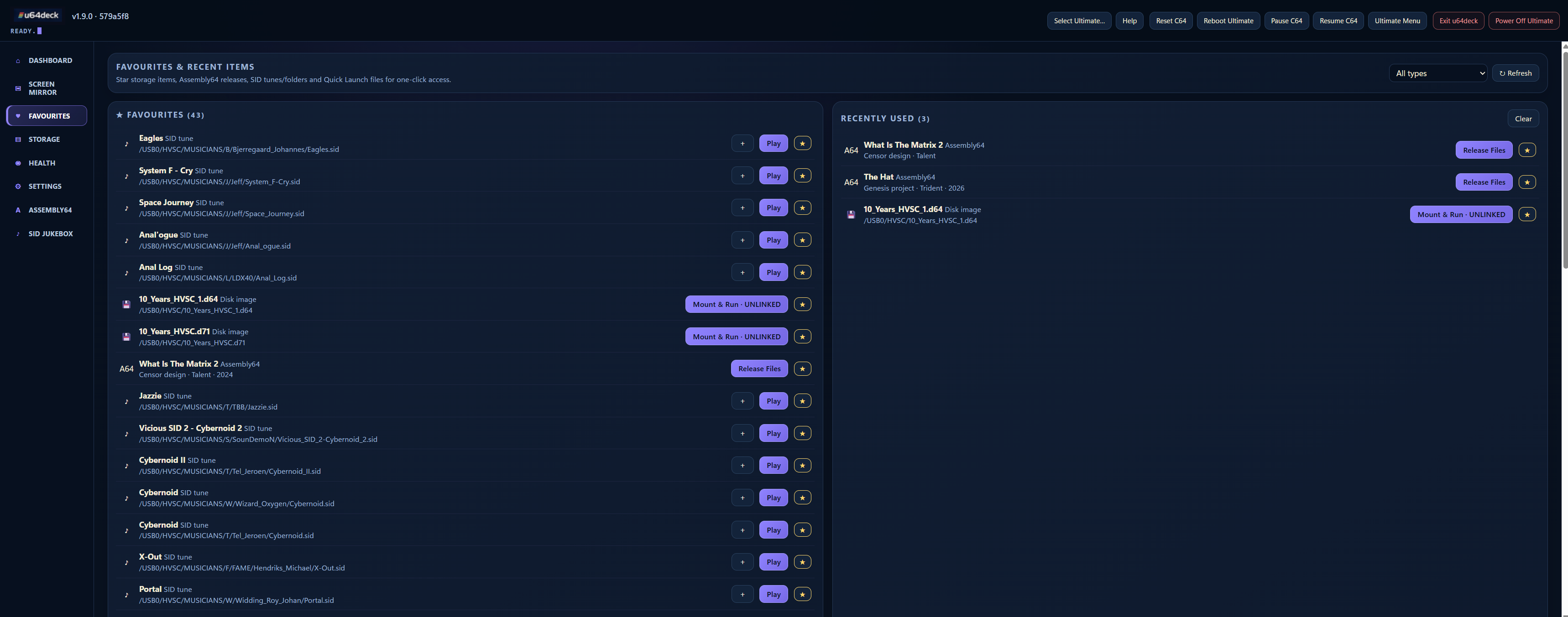
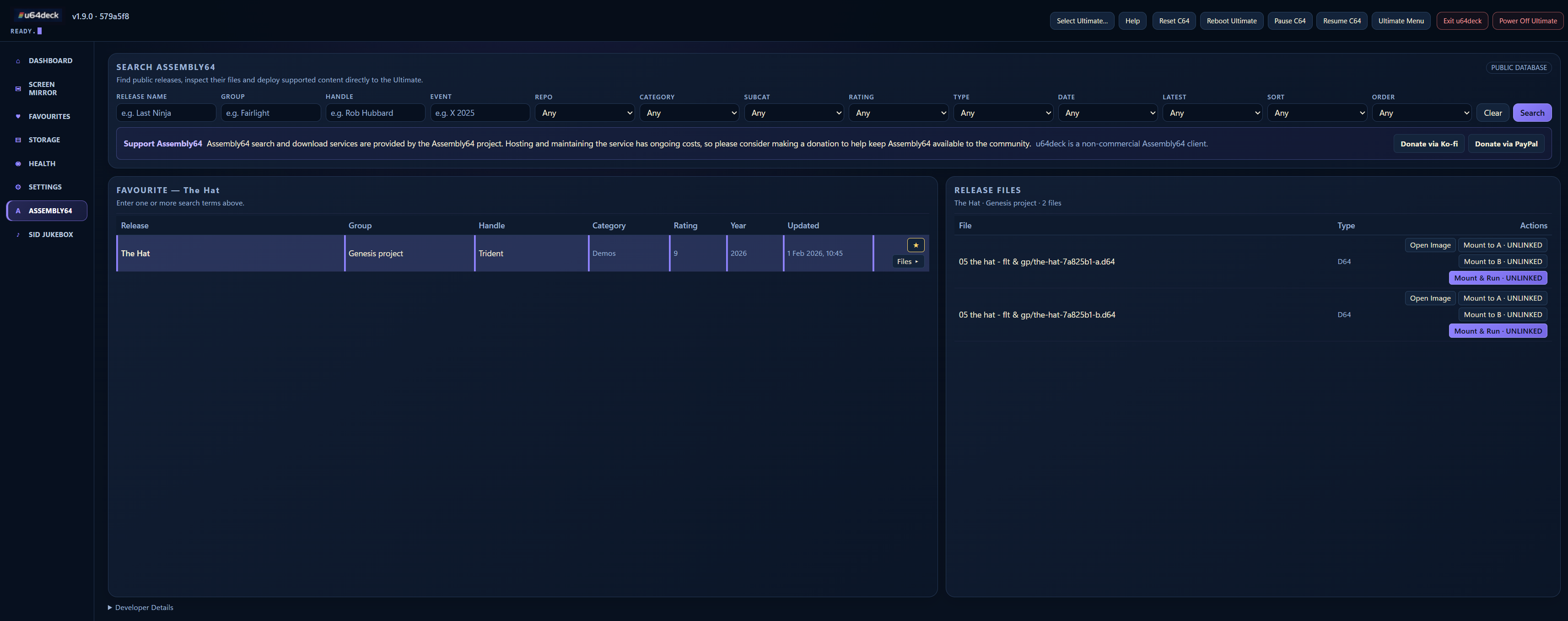
Self-hosted browser control deck for the Ultimate 64 / C64 Ultimate — screen…
Self-hosted browser control deck for the Ultimate 64 / C64 Ultimate — screen mirror, disk tools, HVSC SID jukebox, Assembly64 deploy
Screenshots
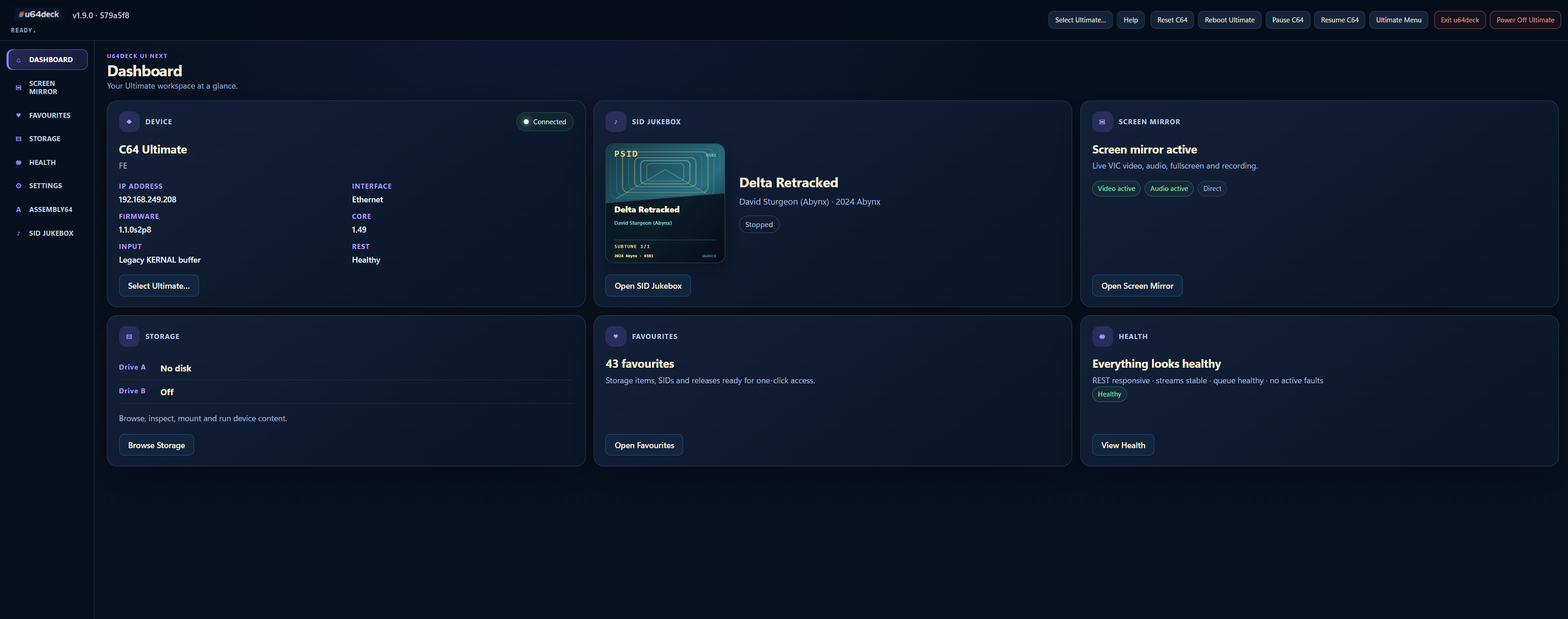
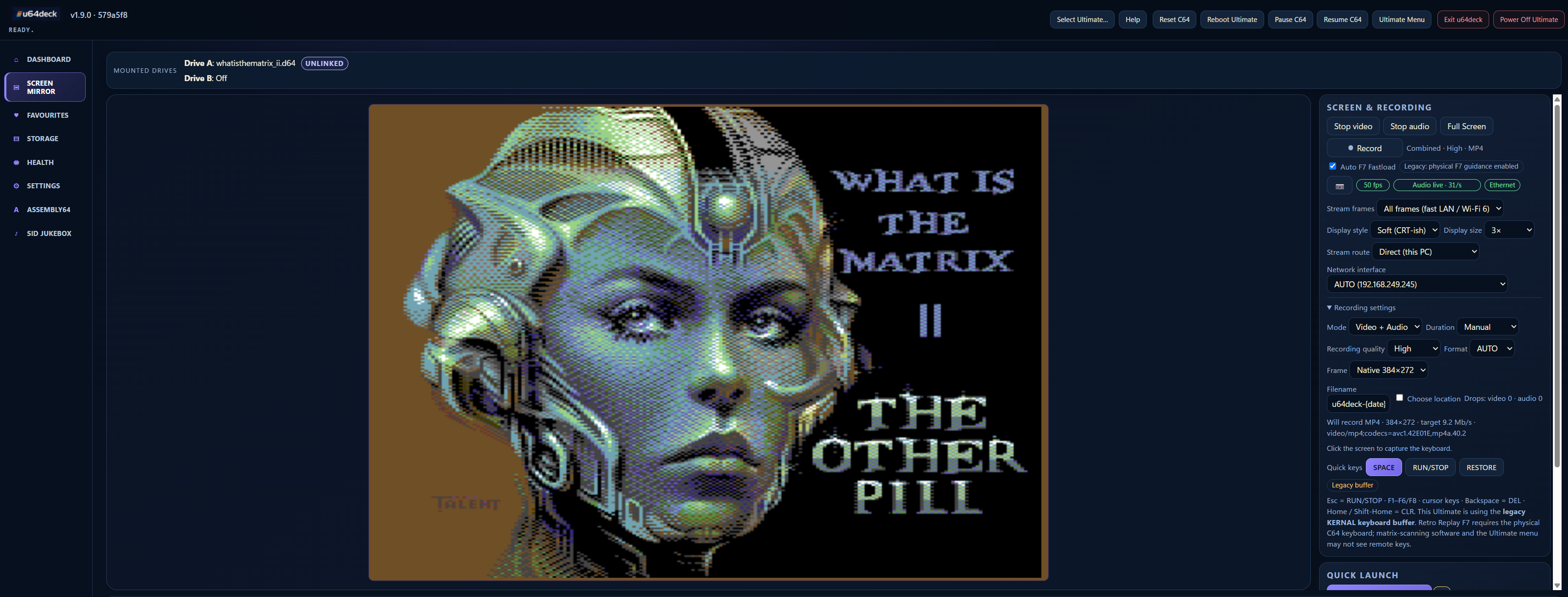
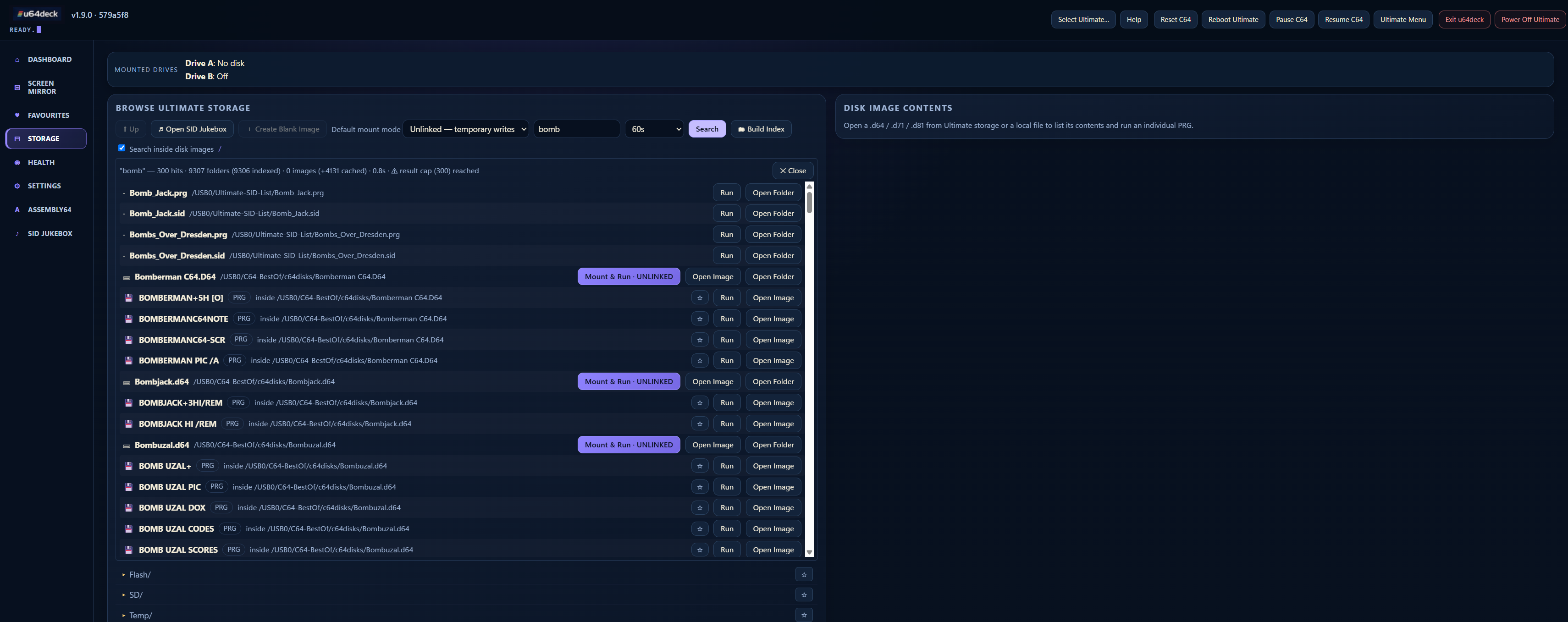
Dashboard Screen mirror Storage search SID Jukebox Favourites Assembly64
About
Ultimate hardware tested with both Ethernet and Wi-Fi enabled delays responses from the wired REST endpoint by approximately 2.5 seconds. The same behaviour was reproduced on an Ultimate 64 running firmware 3.15 and an older C64 Ultimate running different firmware. It occurs immediately after boot and does not require a u64deck discovery scan. When Finder has verified and grouped both interfaces and Ethernet is selected, u64deck keeps the command socket, FTP and streaming path on Ethernet while routing ordinary REST control through the verified Wi-Fi address. The connected header shows Ethernet · REST via Wi-Fi; the split-routing screenshot below shows this state in context. If Wi-Fi is disabled or not verified, the selected address is used for all transports as before. Historical Wi-Fi addresses are never selected automatically. This is an application-side routing workaround, not a firmware fix. Disable Ultimate Wi-Fi and power-cycle the device to restore normal wired REST latency when testing the Ethernet REST endpoint itself. u64deck is the open-source project zildac/u64deck (https://github.com/zildac/u64deck) by zildac, released under MIT. Ion packages it unmodified from commit b7e6b02c5ec5, adding only a manifest, an icon and a start script.
Source
Written by zildac, published to Oikou by Ben Grande.
- ★ 25 stars on GitHub
- Licence: MIT
- Upstream version v1.9.0
- Built from commit b7e6b02c5ec5
Age rating
Not rated. Nobody has said who this app is suitable for, so Personal Clouds and the Oikou app treat it as 18+.
What version 1.9.0 may do
Internet
It asks to reach nothing on the internet.
Personal Cloud tools
None. It uses nothing from your Personal Cloud beyond its own storage.
Notifications
It does not send push notifications.
Storage
Up to 512 MB on your Personal Cloud.
Add to Personal Cloud
Sign in to add this web app to a Personal Cloud of yours. It runs there, on your own computer, and you open it from there; nothing is installed on your phone.
Versions
1.9.0 Latest Shown above
Published · a ready-built bundle
Imported from zildac/u64deck at b7e6b02c5ec5 (v1.9.0).