
Xbackbone
by sergix44 · io.github.sergix44.xbackbone
Not TrustedWeb appUnrated★ 1,168 stars
A lightweight file manager with full ShareX support and more
Screenshots
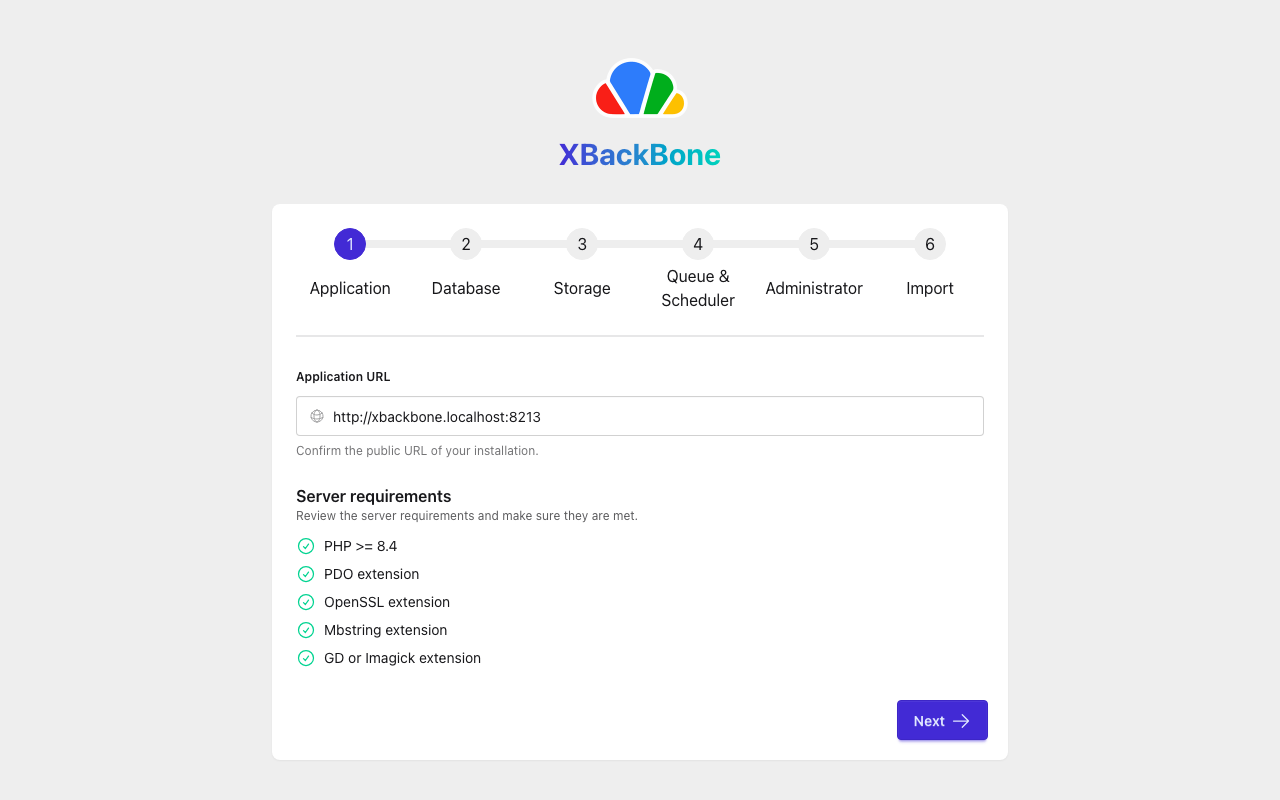
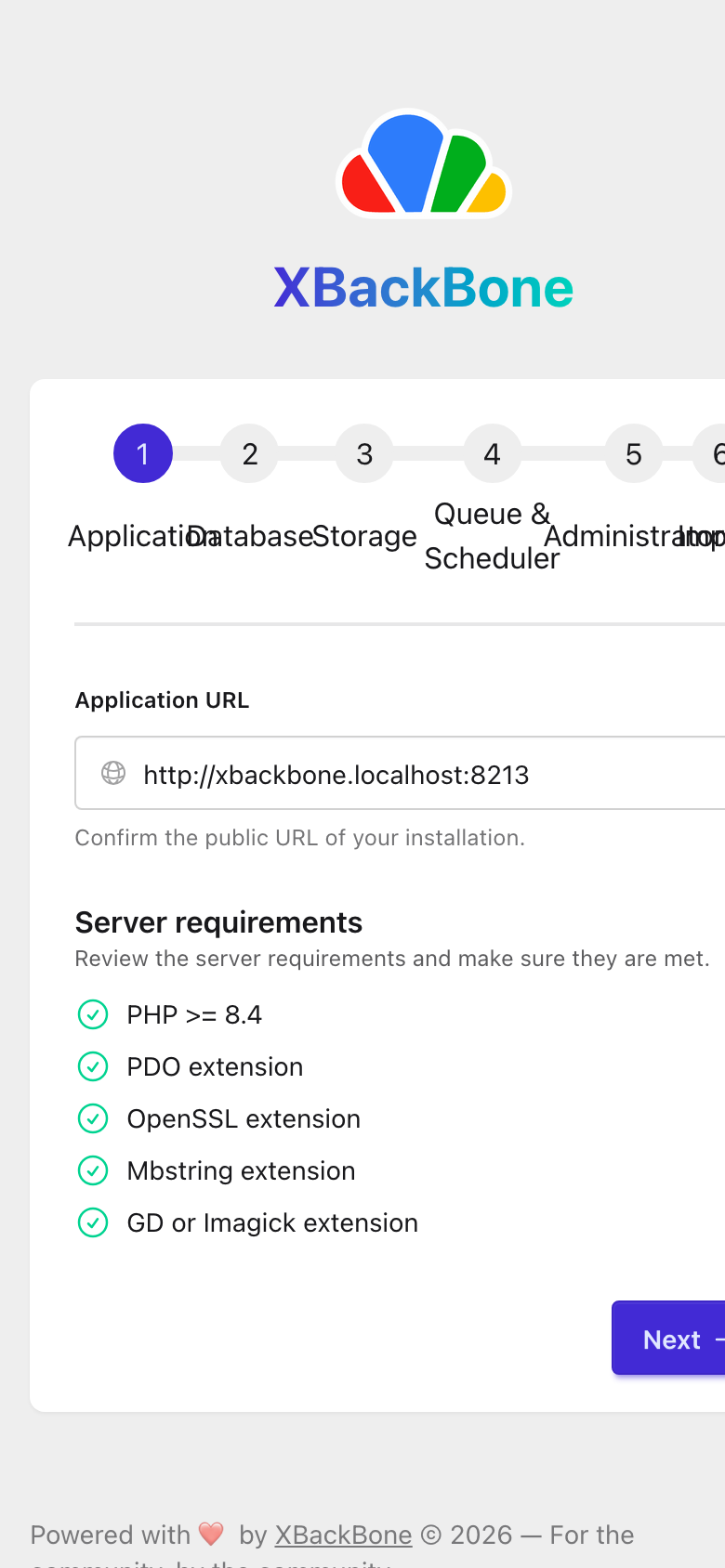
Xbackbone on an Ion hub (desktop) Xbackbone on an Ion hub (phone)
About
XBackBone is a simple, self-hosted, lightweight file and media sharing platform with first-class ShareX support. Upload images, GIFs, video, audio, PDFs, code and arbitrary files, then share them through clean short links with rich social embeds. It ships with a modern web UI, multi-user management, a versioned REST API, and pluggable storage backends. This is the next-generation XBackBone, rebuilt from the ground up on Laravel 13 and Livewire 4. - One-click integrations — generate ready-to-use uploader configs for ShareX, ScreenCloud, ishare, Spectacle (KDE), the macOS Share sheet, Xerahs, and a CLI script, all pre-filled with your instance URL and a personal token. - Wide media support — inline previews for images, video, audio (waveform), PDFs, and syntax-highlighted code, plus pastes and link shortening. - Multiple storage backends — Local disk, Amazon S3 (and S3-compatible), FTP, and SFTP. - Content-addressed storage — uploads are de-duplicated by content fingerprint. - Private & public uploads — per-resource visibility, optional password protection and expiration. - REST API — versioned API with token authentication and auto-generated OpenAPI docs. - Modern authentication — registration, email verification, password reset, two-factor authentication (TOTP), and passkeys (WebAuthn). - User management — admin roles, per-user disk quotas, and usage statistics. - Activity log — a searchable, filterable timeline of account and admin activity, for both your own actions and (for admins) the whole instance. - Feature flags — toggle sign-ups, default theme and more without redeploying. - Theming — switchable daisyUI themes, localization-ready UI. - Guided web installer — set up the database, storage, and admin account from the browser. - In-app updates — admins can check for new releases and upgrade the instance from the browser, with no shell access required. - Legacy import — migrate users and uploads from a legacy XBackBone instance, with old links transparently redirected. Sign-in: this app keeps its own accounts. Each member signs up or signs in inside the app with an app username and password; the hub remembers each member's session. First account: the app's own setup page (/install) makes it (ionowner) the first time the owner opens the app, then sign in at /login. The import did not test signing in (its sign-in page (/login) showed no form to fill in (status 200)). Xbackbone is the open-source project sergix44/xbackbone (https://github.com/sergix44/xbackbone) by sergix44, released under Apache-2.0. Ion packages it unmodified from commit 524b9bc2cbd3, adding only a manifest, an icon and a start script.
Source
Written by sergix44, published to Oikou by Ben Grande.
- ★ 1,168 stars on GitHub
- Licence: Apache-2.0
- Upstream version 3.8.2
- Built from commit 524b9bc2cbd3
Age rating
Not rated. Nobody has said who this app is suitable for, so Personal Clouds and the Oikou app treat it as 18+.
What version 3.8.2 may do
Internet
It asks to reach nothing on the internet.
While your Personal Cloud builds it, the build asks to download from:
- registry.npmjs.org
- registry.yarnpkg.com
- pypi.org
- files.pythonhosted.org
- github.com
- codeload.github.com
- objects.githubusercontent.com
- dl-cdn.alpinelinux.org
- deb.debian.org
- security.debian.org
- proxy.golang.org
- index.crates.io
- static.crates.io
- repo.packagist.org
- packagist.org
- getcomposer.org
- api.github.com
- release-assets.githubusercontent.com
- pecl.php.net
Personal Cloud tools
- Keep a database of its own on your Personal Cloud ion.db
Notifications
It does not send push notifications.
Storage
Up to 1 GB on your Personal Cloud.
Its address
Works best with its own address. A Personal Cloud shared through Cloudflare can give it one; on a private Personal Cloud on Tailscale it opens under your Personal Cloud’s address, where it may not work fully. Private and shared Personal Clouds
Add to Personal Cloud
Sign in to add this web app to a Personal Cloud of yours. It runs there, on your own computer, and you open it from there; nothing is installed on your phone.
Versions
3.8.2 Latest Shown above
Published · a ready-built bundle
Imported from sergix44/xbackbone at 524b9bc2cbd3 (3.8.2).