
Plotting Maps
by piebro · io.github.piebro.plotting-maps
Not TrustedWeb appUnrated★ 109 stars
A tool to easily create OpenStreetMap SVG maps to plot them with a pen plotter.
Screenshots
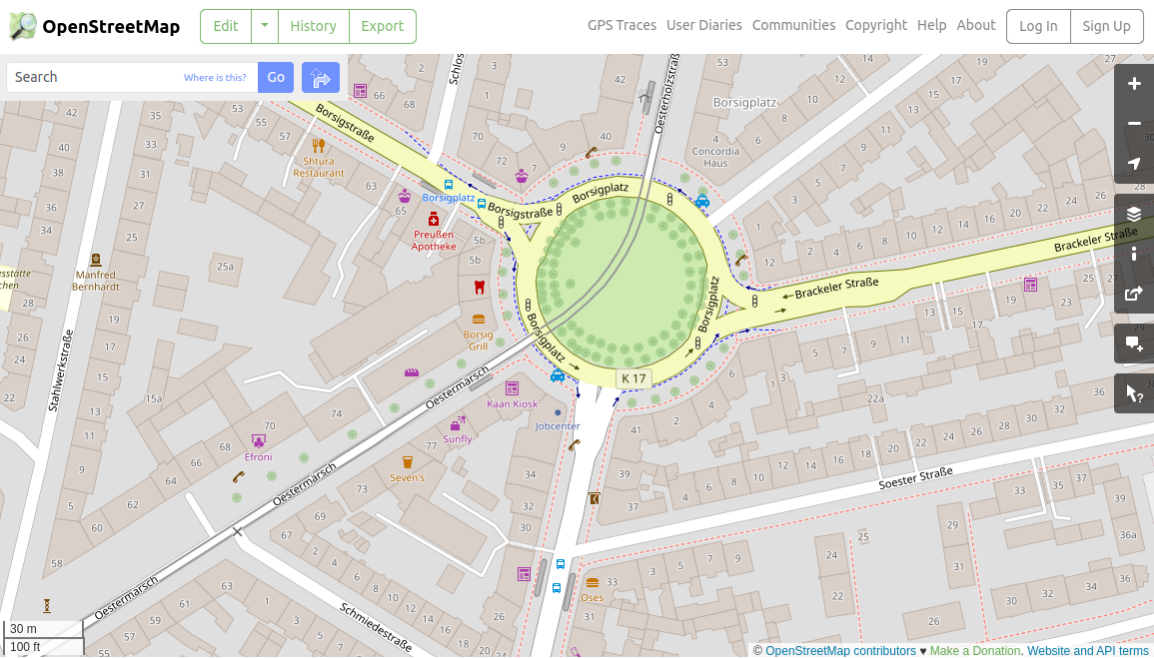
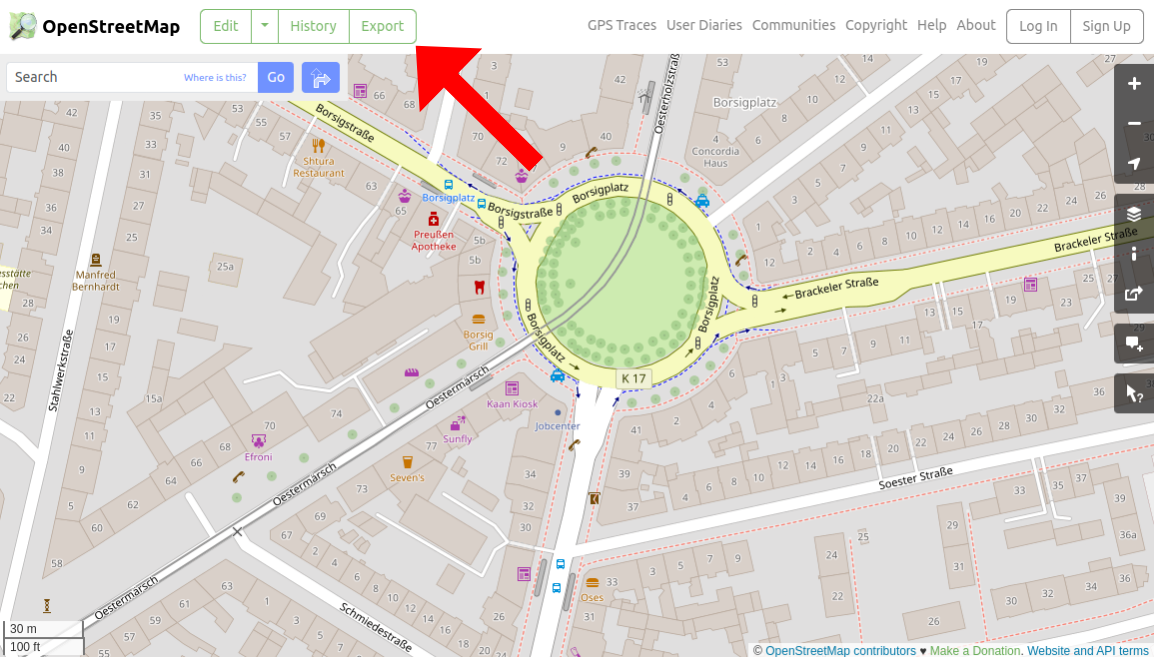
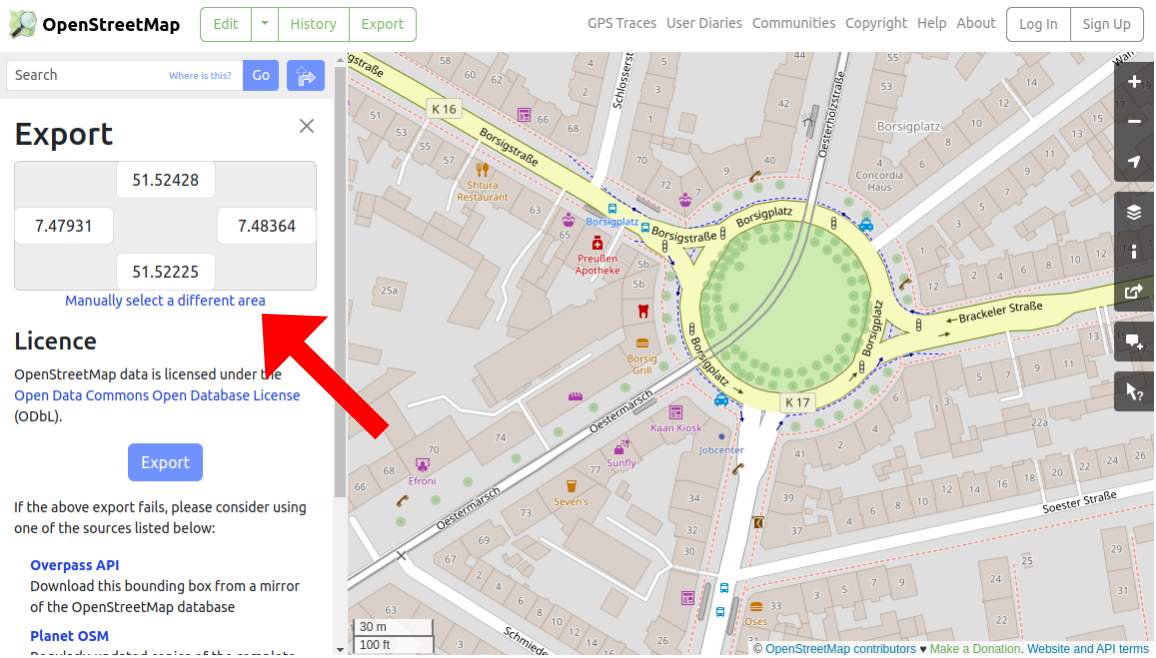
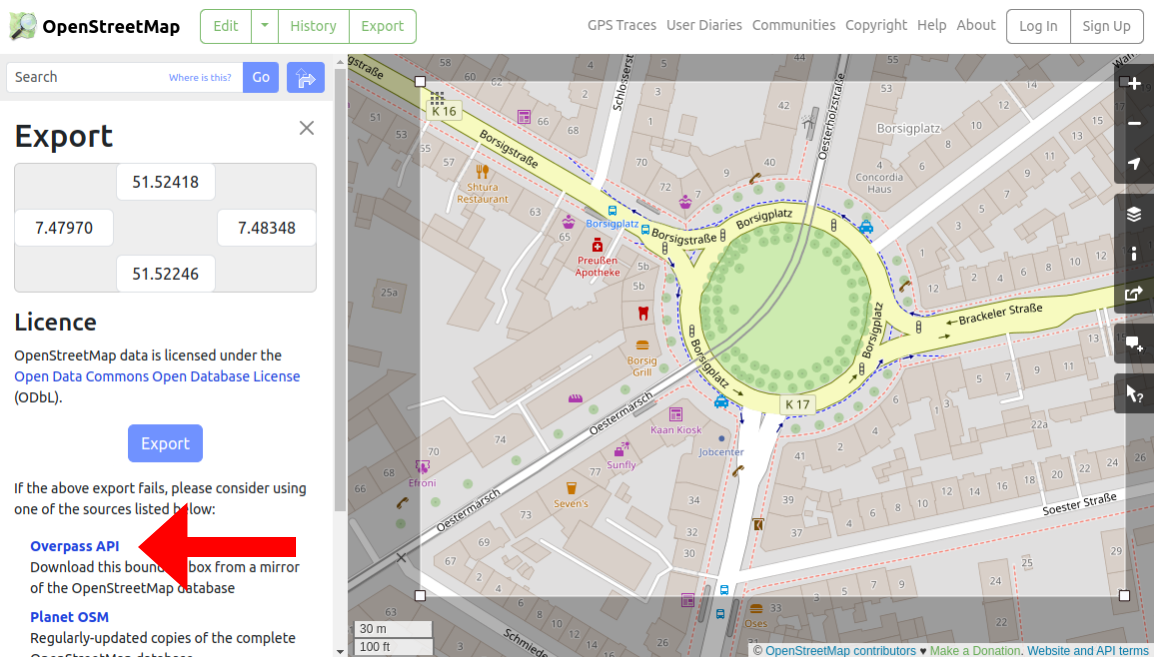
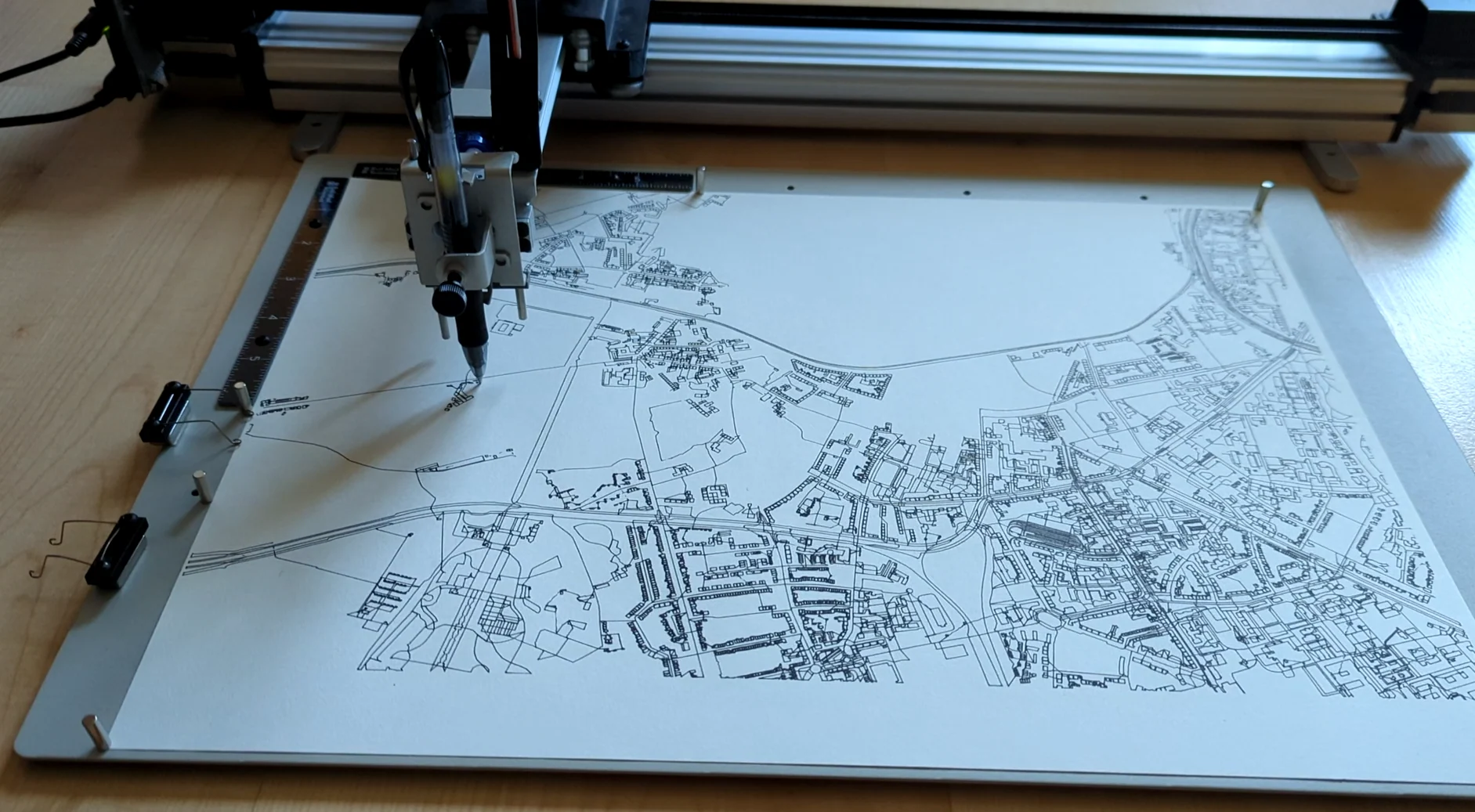
Screenshot of OpenStreetMap Screenshot of OpenStreetMap with an arrow pointing to the "Export" button Screenshot of OpenStreetMap with an arrow pointing to the "Manually select a different area" link Screenshot of OpenStreetMap with an arrow pointing to the "Overpass API" link Image of a plotter plotting a map
About
This is a tool to easily create OpenStreetMap SVG maps to plot them with a pen plotter. Check out the tool here: https://piebro.github.io/plotting-maps. There, you can upload OSM exports and render them as SVGs consisting only of lines, making it very pen plotter-friendly. 1. Use a Desktop Browser or enable desktop browsing on mobile. 2. Go to https://www.openstreetmap.org. 3. Navigate to a place of interest: 4. Click on "Export" (only visible on desktop): 5. Select the area of interest: 6. Download the data via the Overpass API (you can also use the export button, but the size of the export is more limited): 7. Download the file and upload it to https://piebro.github.io/plotting-maps using the "Upload OSM Export" button. 8. Set all options and align the map by dragging and zooming. 9. Download the map using the "Download Map" button. An alternative way to obtain OSM Map Extracts is to use a public Overpass API instance and download an area with a query. Plotting Maps is the open-source project piebro/plotting-maps (https://github.com/piebro/plotting-maps) by piebro, released under MIT. Ion packages it unmodified from commit b5a510ddc9ce, adding only a manifest, an icon and a storage compatibility script.
Source
Written by piebro, published to Oikou by Ben Grande.
- ★ 109 stars on GitHub
- Licence: MIT
- Built from commit b5a510ddc9ce
Age rating
Not rated. Nobody has said who this app is suitable for, so Personal Clouds and the Oikou app treat it as 18+.
What version 0.20260930.0 may do
Internet
It asks to reach these hosts, and no others:
- cdnjs.cloudflare.com
- d3js.org
Personal Cloud tools
None. It uses nothing from your Personal Cloud beyond its own storage.
Notifications
It does not send push notifications.
Storage
Up to 16 MB on your Personal Cloud.
Add to Personal Cloud
Sign in to add this web app to a Personal Cloud of yours. It runs there, on your own computer, and you open it from there; nothing is installed on your phone.
Versions
0.20260930.0 Latest Shown above
Published · a ready-built bundle
Imported from piebro/plotting-maps at b5a510ddc9ce.