
ClipForge
by jo-nike · io.github.jo-nike.clipforge
Not TrustedWeb appUnrated★ 62 stars
ClipForge is a web-based video clipping application that allows you to create…
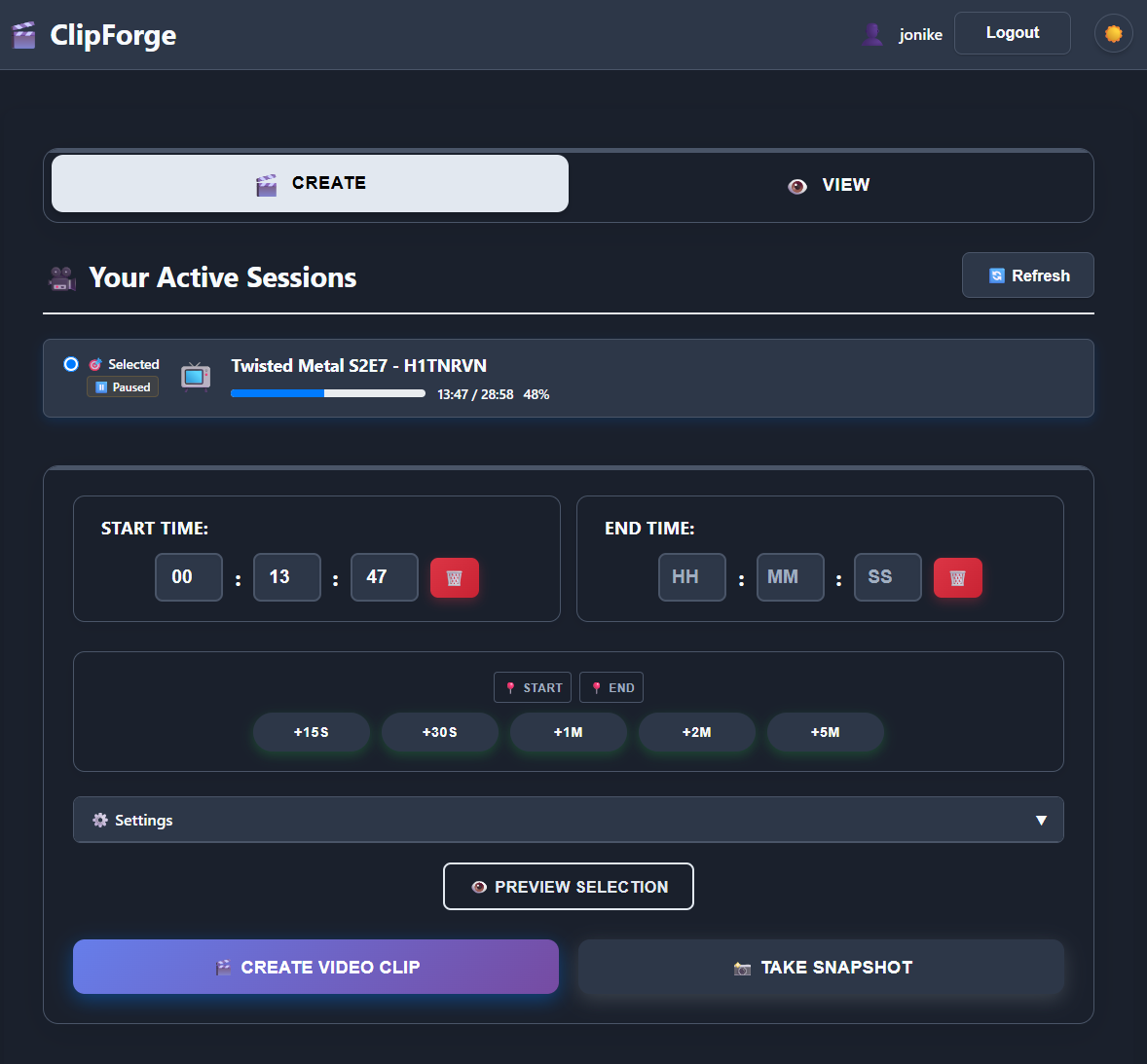
ClipForge is a web-based video clipping application that allows you to create clips from your Plex media server sessions. Monitor what's currently playing, generate precise video clips with frame-accurate trimming, and manage your video collection through an intuitive web interface.
Screenshots
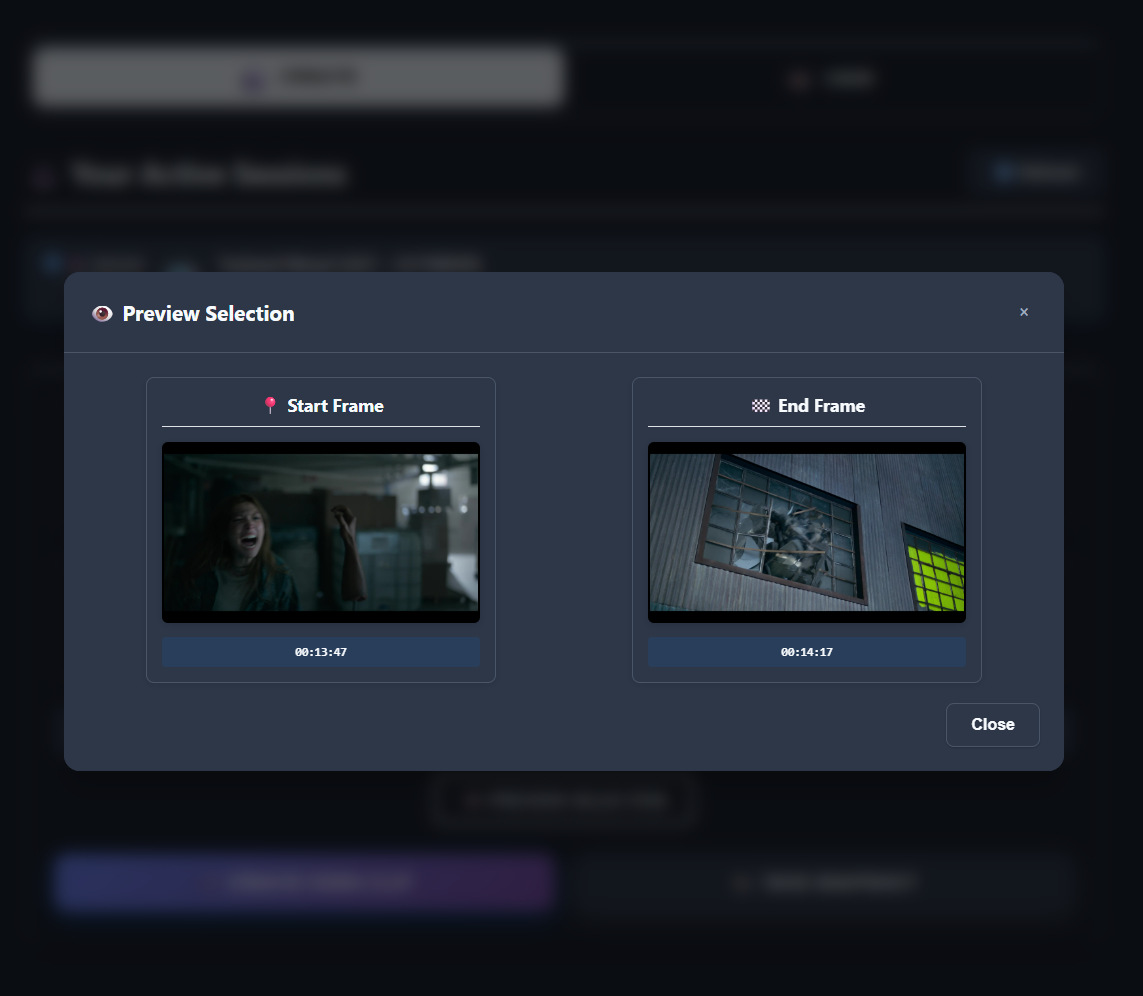
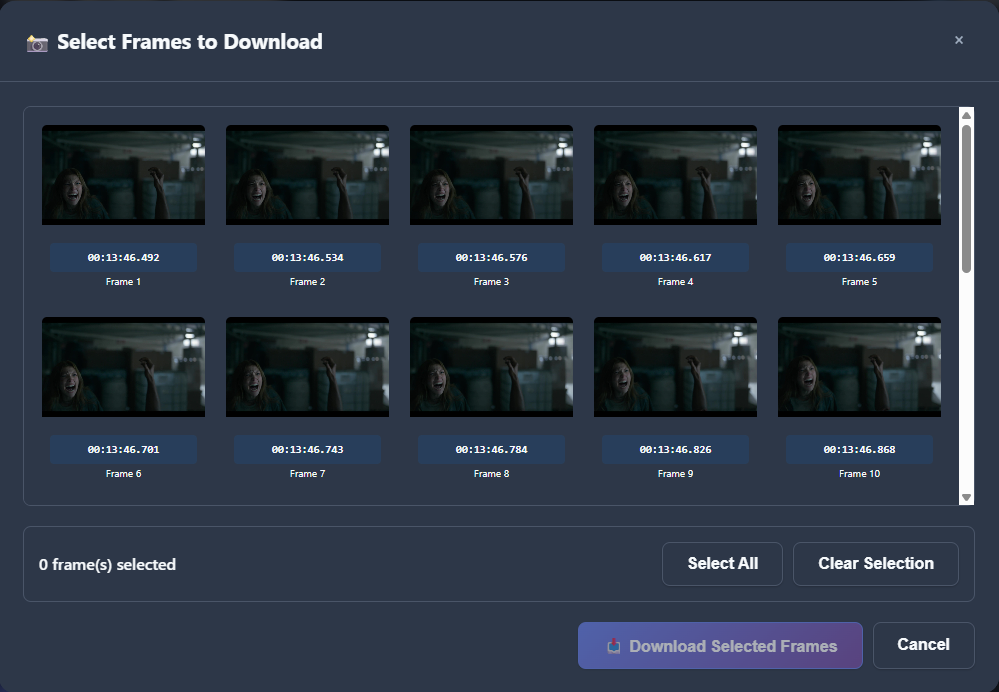
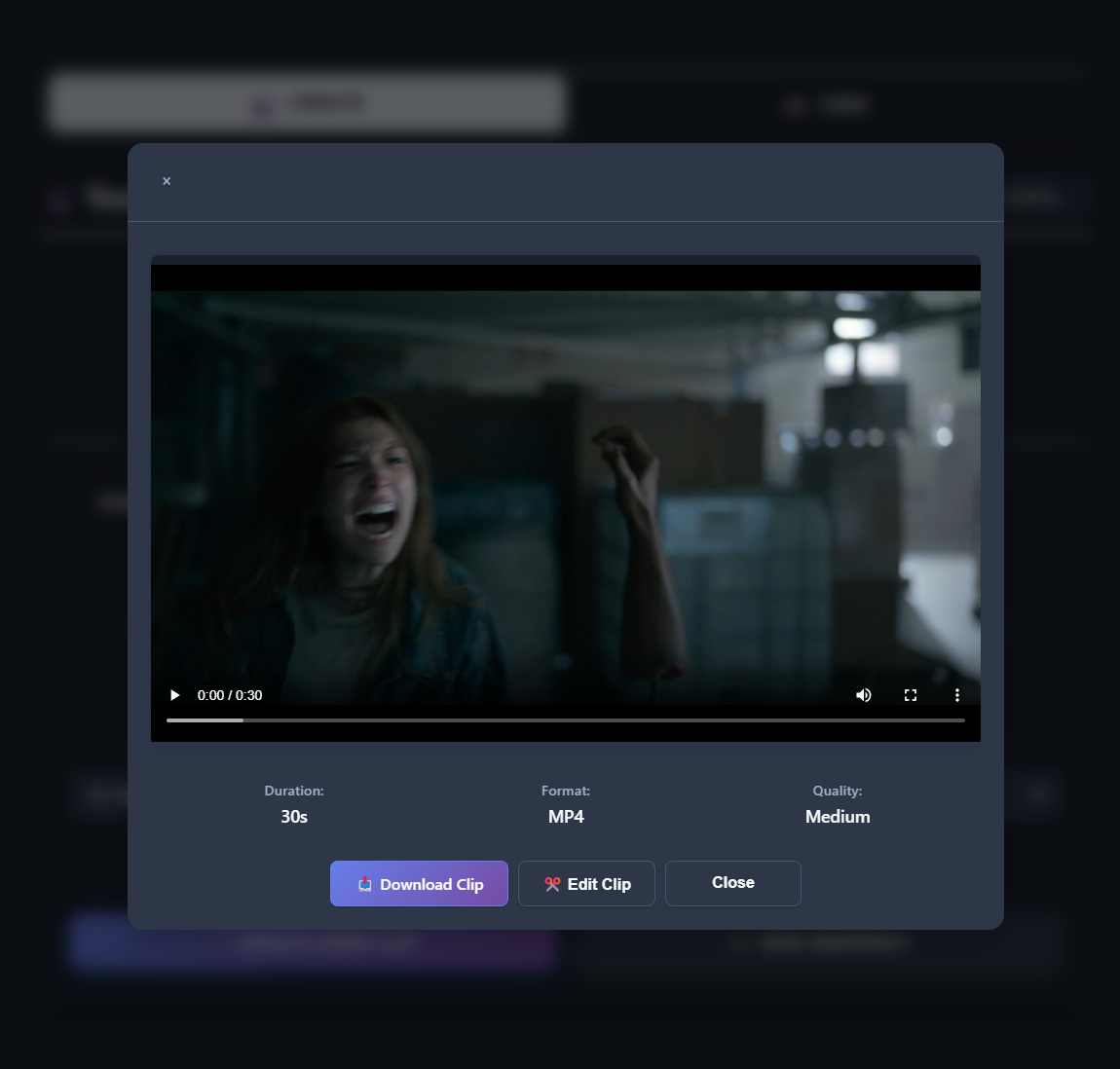
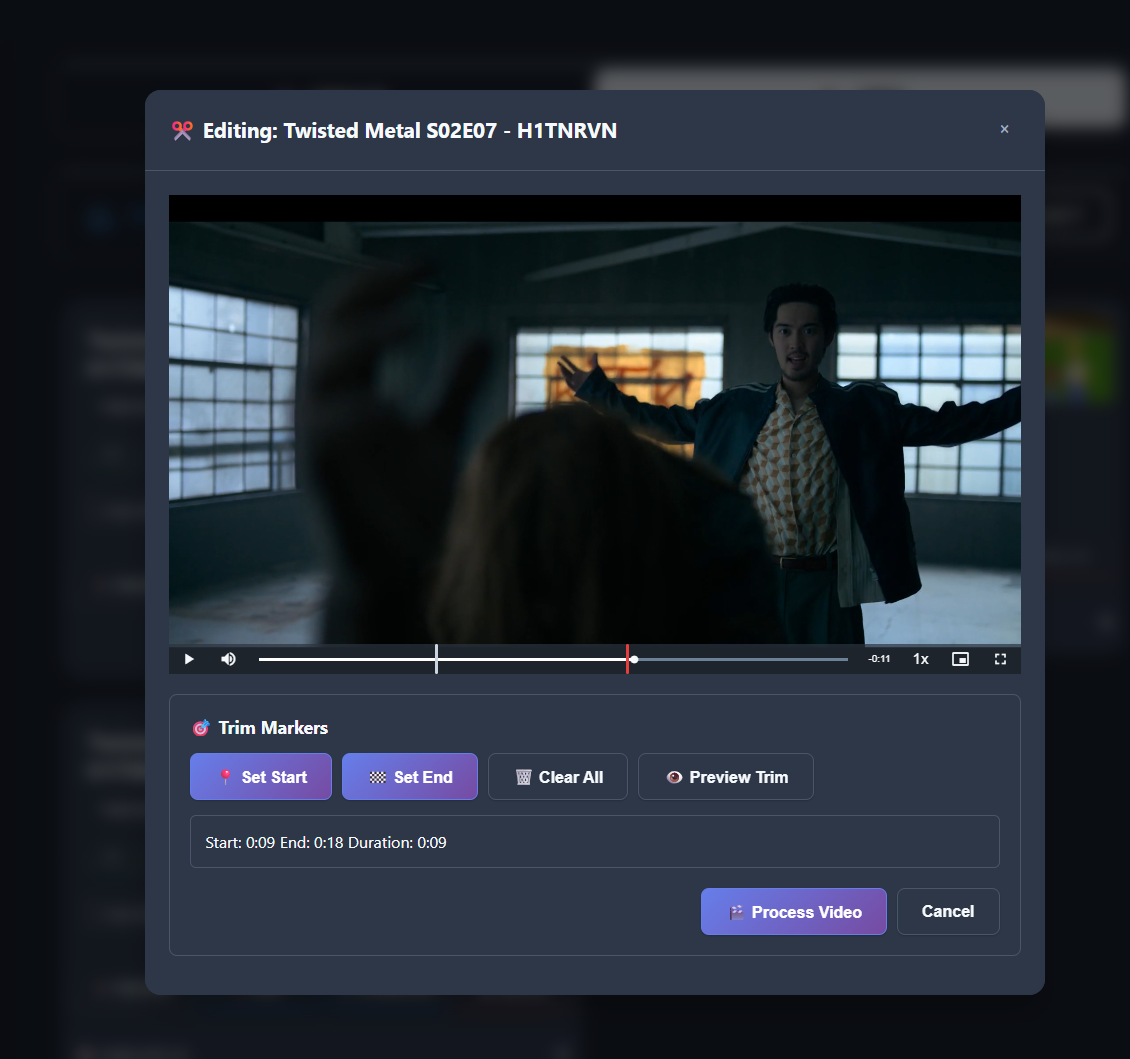
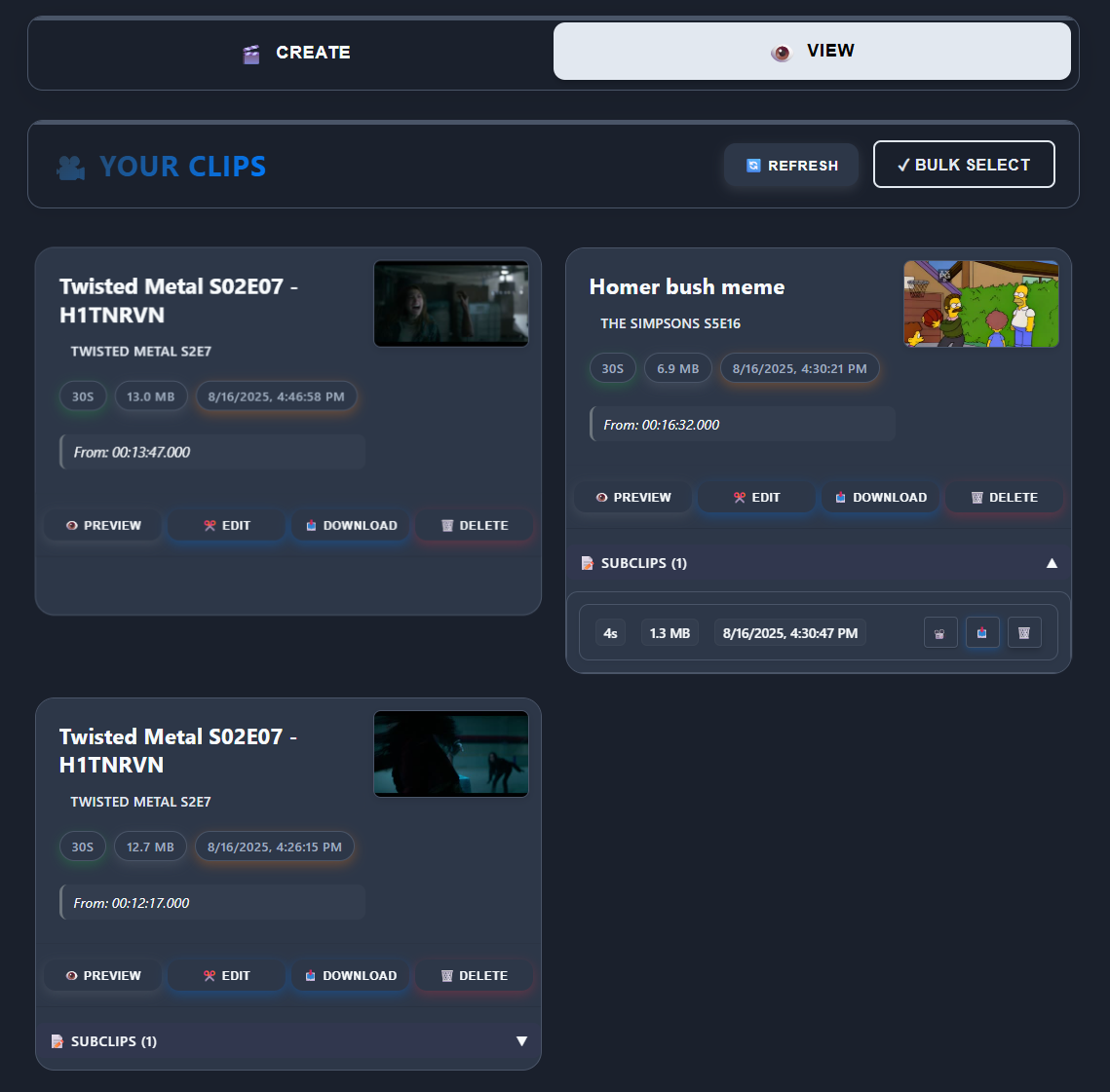
maininterface multiframesnapshot viewvid crop viewtab
About
ClipForge is a web-based video clipping application that allows you to create clips from your Plex media server sessions. Monitor what's currently playing, generate precise video clips with frame-accurate trimming, and manage your video collection through an intuitive web interface. Multi frame snapshot to catch that frame you're looking for Easy cropping to get the timing just right Sign-in: this app keeps its own accounts. Each member signs up or signs in inside the app with an app username and password; the hub remembers each member's session. The import did not test signing in (no sign-up form found to test the cookie jar with). ClipForge is the open-source project jo-nike/clipforge (https://github.com/jo-nike/clipforge) by jo-nike, released under MIT. Ion packages it unmodified from commit 8f891f6e05fa, adding only a manifest, an icon and a start script.
Source
Written by jo-nike, published to Oikou by Ben Grande.
- ★ 62 stars on GitHub
- Licence: MIT
- Built from commit 8f891f6e05fa
Age rating
Not rated. Nobody has said who this app is suitable for, so Personal Clouds and the Oikou app treat it as 18+.
What version 0.20261004.0 may do
Internet
It asks to reach these hosts, and no others:
- app.plex.tv
Folders on your Personal Cloud’s computer
- Can read a folder on your Personal Cloud’s computer that you choose: Your Plex media library that clips are cut from (/media) (media)
You choose each folder on your Personal Cloud, and whether it may only read it (the default) or also change it. It can send what it reads to the internet hosts above.
Personal Cloud tools
None. It uses nothing from your Personal Cloud beyond its own storage.
Notifications
It does not send push notifications.
Storage
Up to 512 MB on your Personal Cloud.
Keys it asks you for
You give each one on your Personal Cloud when you install it, or give it one of your Personal Cloud’s shared secrets of the same name. Oikou never sees them.
- Asks you for: plex-server-token — Your Plex server token, from support.plex.tv/articles/204059436-finding-an-authentication-token-x-plex-token (optional)
Its address
Works best with its own address. A Personal Cloud shared through Cloudflare can give it one; on a private Personal Cloud on Tailscale it opens under your Personal Cloud’s address, where it may not work fully. Private and shared Personal Clouds
Add to Personal Cloud
Sign in to add this web app to a Personal Cloud of yours. It runs there, on your own computer, and you open it from there; nothing is installed on your phone.
Versions
0.20261004.0 Latest Shown above
Published · a ready-built bundle
Imported from jo-nike/clipforge at 8f891f6e05fa.