HomeLab Monitor
by SikamikanikoBG · io.github.sikamikanikobg.homelab-monitor
Not TrustedWeb appUnrated★ 212 stars
Plug-and-play homelab dashboard in one container — GPU, local-AI VRAM, Docker…
Plug-and-play homelab dashboard in one container — GPU, local-AI VRAM, Docker, systemd, host health. Built-in read-only MCP server so AI agents can explore it too.
Screenshots
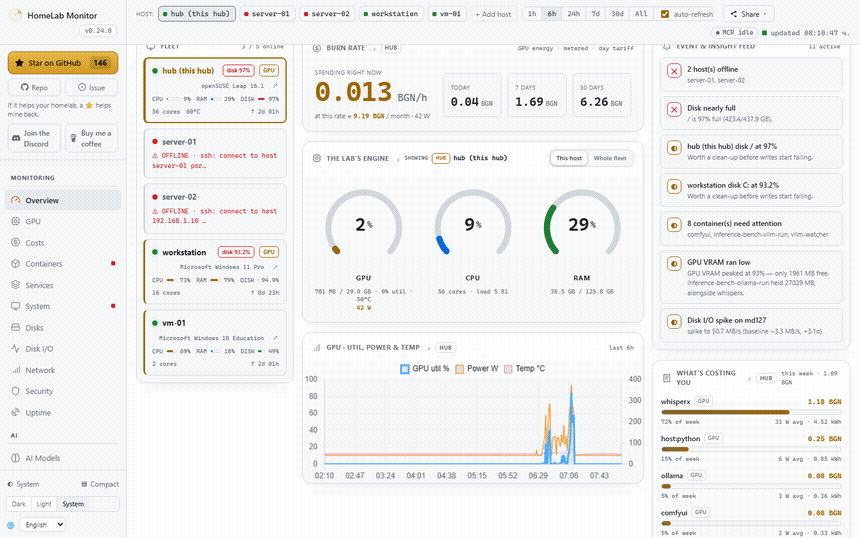
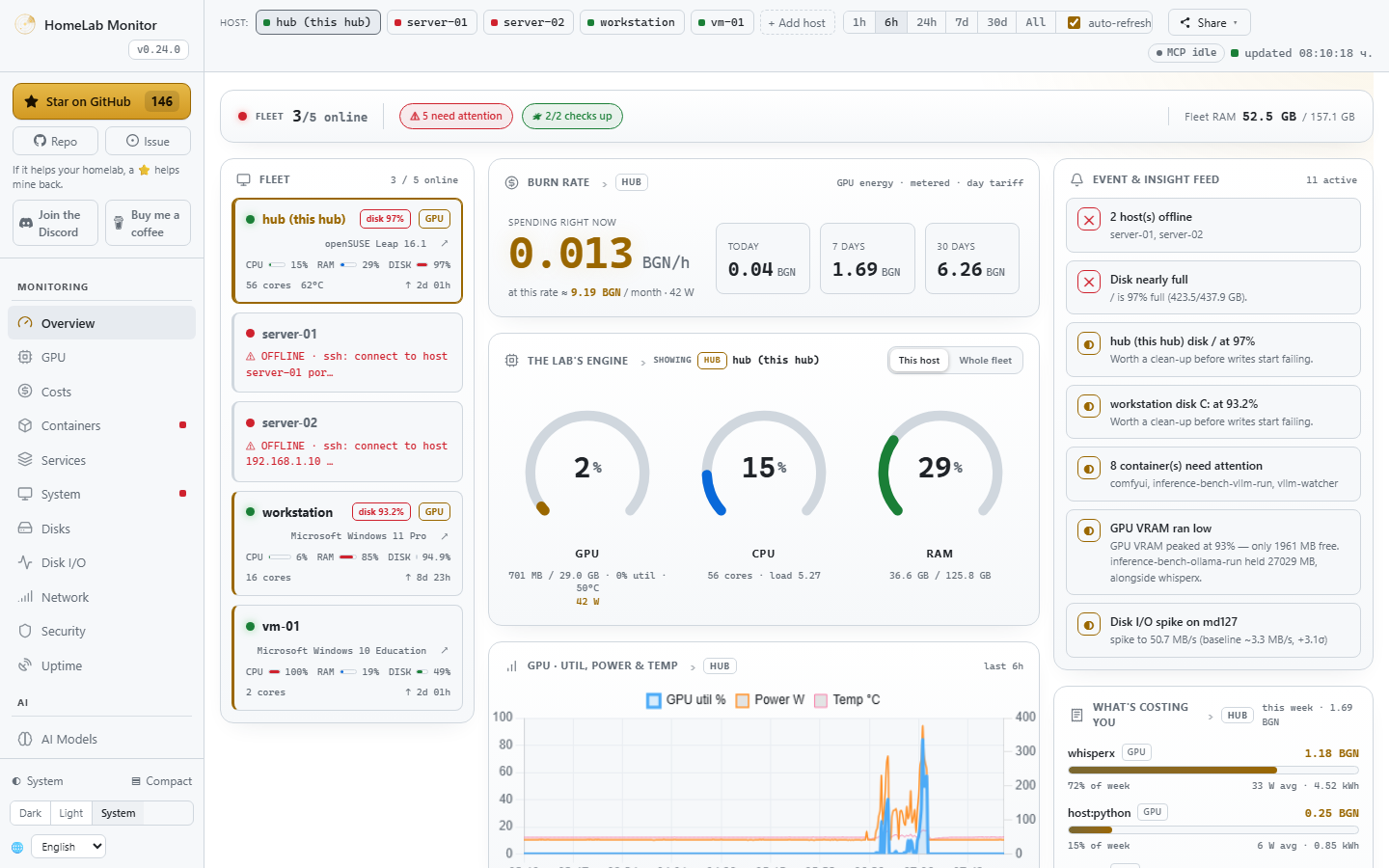
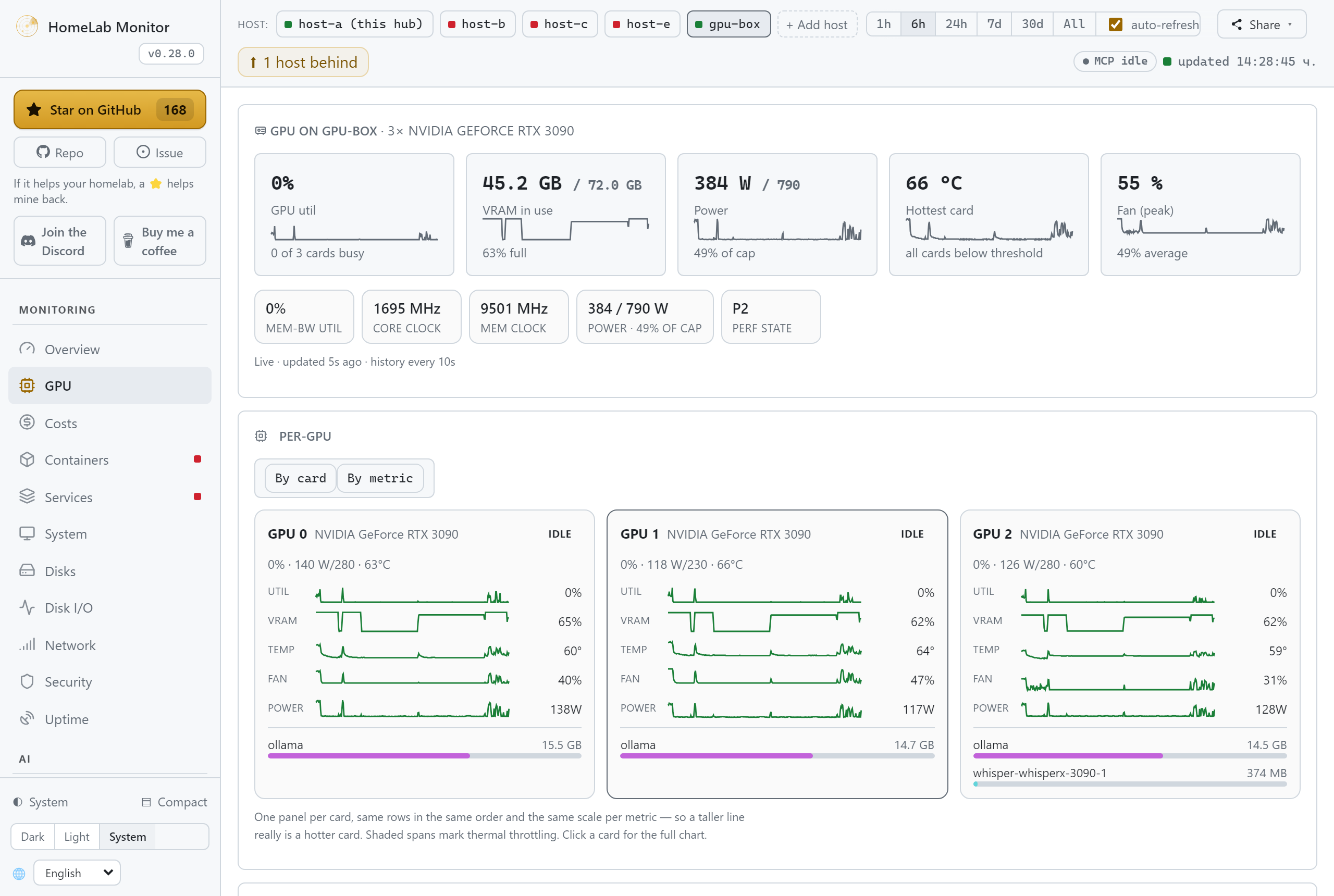
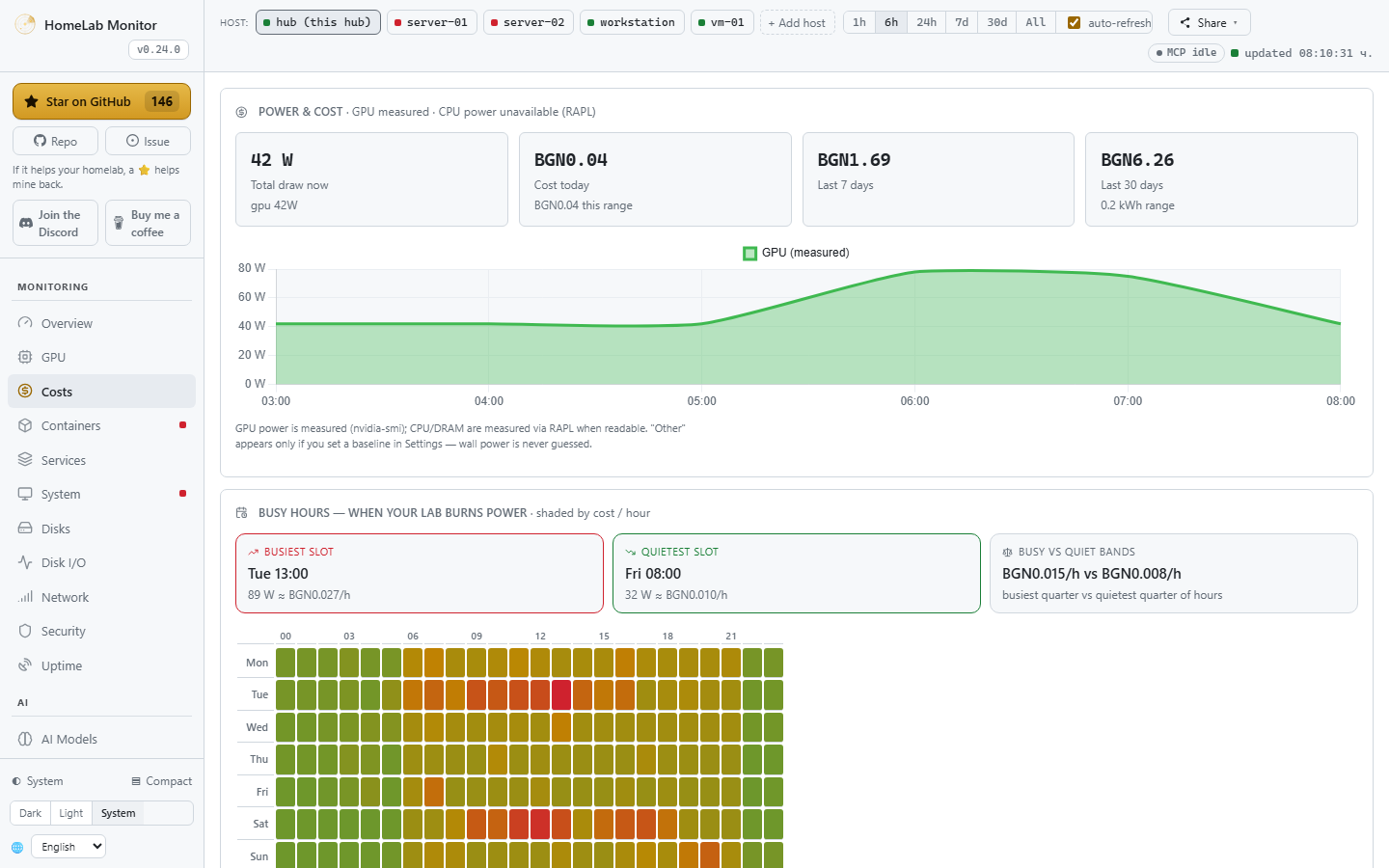
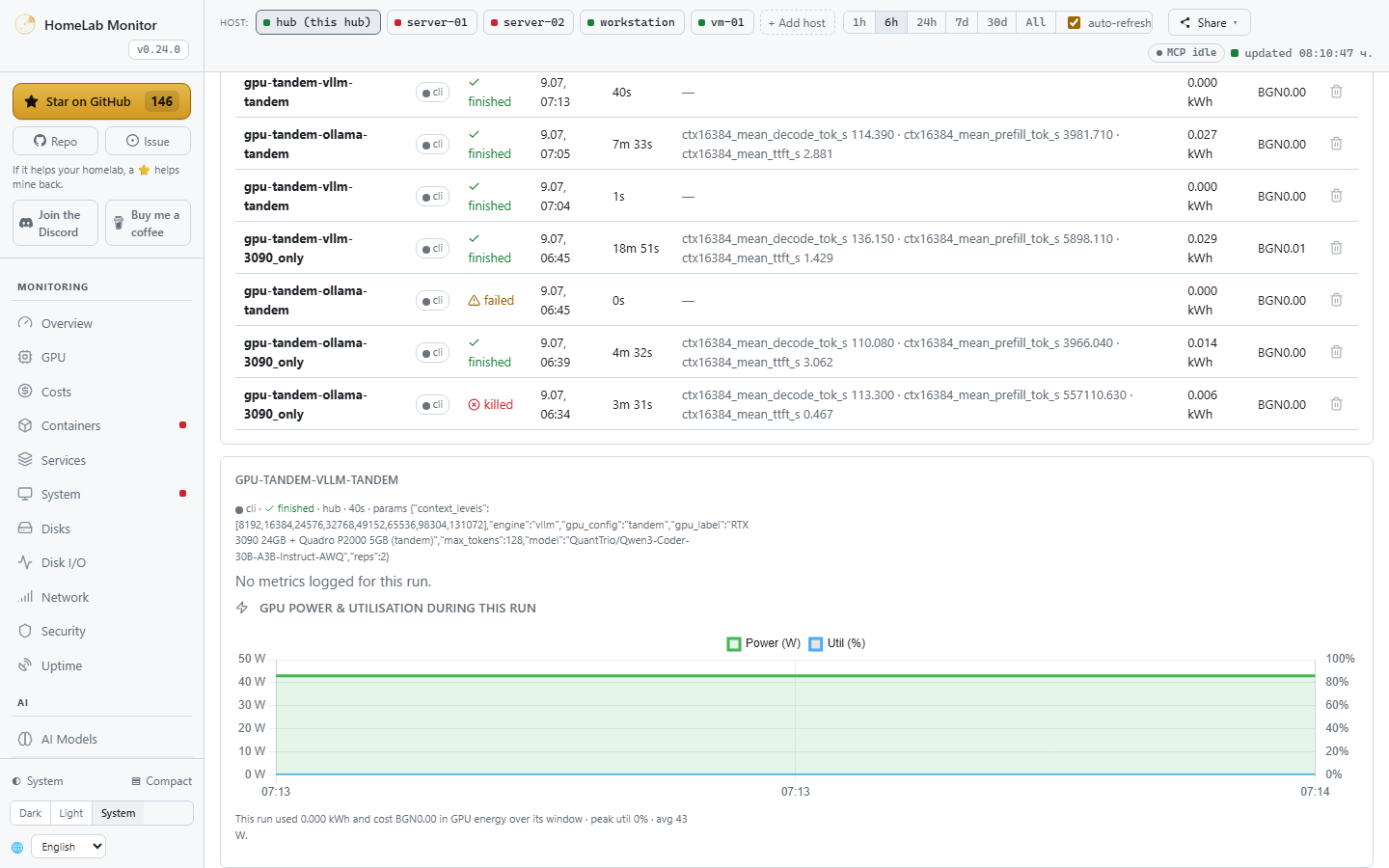
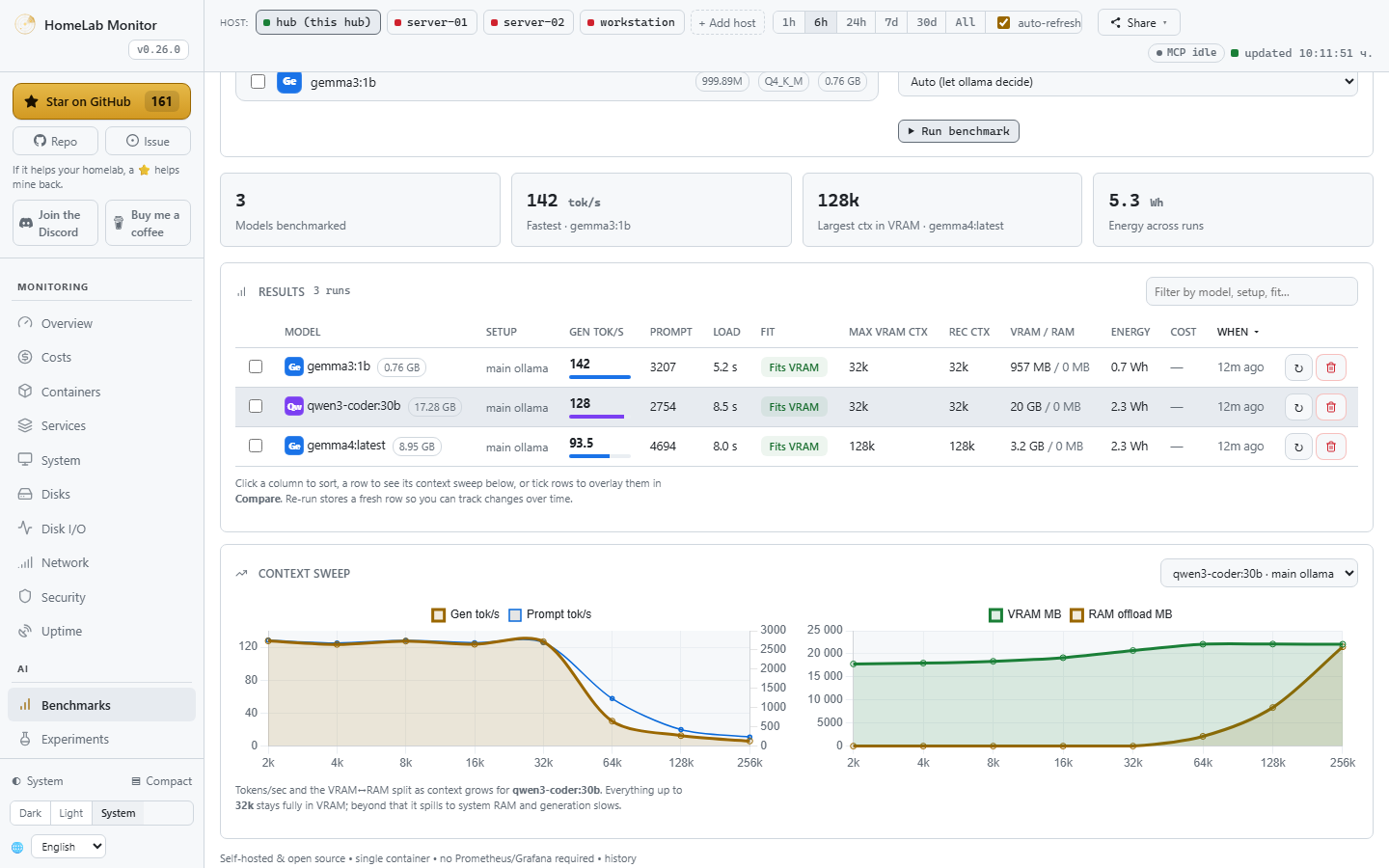
HomeLab Monitor — a tour of the dashboard: Overview, GPU truth, Costs, AI Models and Experiments The Overview — a mission-control cockpit: every host in the fleet at a glance, GPU/CPU/RAM gauges for any box (or the whole homelab), live power-to-money costs and an insight feed The GPU tab — per-card history, fan speed, temperature and which service is on which card The Costs page — per-component and per-process power & money A run pushed from a notebook — its loss curve and the GPU power it actually used The Benchmark Lab — a sortable leaderboard of your models with tokens/sec, VRAM fit and recommended context, plus a context-sweep chart
About
One page for your whole home lab & AI rig — GPU truth (any vendor), tokens/sec, power cost by the hour, uptime, training runs, containers, disks. No agents, no separate metrics stack, no cloud. Your home lab grew into a couple of machines, a Pi, and a GPU that's mysteriously always busy — and lately it's running models too. HomeLab Monitor gives you one self-hosted page that answers the real questions: what's that GPU actually doing, which model is holding it, what's it costing you to run, which container is eating RAM, what's filling your disks, and is anything down — across every box over SSH: Linux, a Pi, even Windows. Readable from your phone over the VPN. Open http://:9800 and you're done. Full options (from source, GPU toolkit, Windows/WSL2) → Install docs. HomeLab Monitor is the open-source project SikamikanikoBG/homelab-monitor (https://github.com/SikamikanikoBG/homelab-monitor) by SikamikanikoBG, released under MIT. Ion packages it unmodified from commit 0e44c8e5881c, adding only a manifest, an icon and a start script.
Source
Written by SikamikanikoBG, published to Oikou by Ben Grande.
- ★ 212 stars on GitHub
- Licence: MIT
- Upstream version v0.37.0
- Built from commit 0e44c8e5881c
Age rating
Not rated. Nobody has said who this app is suitable for, so Personal Clouds and the Oikou app treat it as 18+.
What version 0.37.0 may do
Internet
It asks to reach these hosts, and no others:
- api.github.com
While your Personal Cloud builds it, the build asks to download from:
- registry.npmjs.org
- registry.yarnpkg.com
- pypi.org
- files.pythonhosted.org
- github.com
- codeload.github.com
- objects.githubusercontent.com
- dl-cdn.alpinelinux.org
- deb.debian.org
- security.debian.org
- proxy.golang.org
- index.crates.io
- static.crates.io
- cdn.jsdelivr.net
Containers on your Personal Cloud’s computer
Can see, start, stop, create and remove containers on your Personal Cloud’s computer, and download images: Lists, updates and restarts your Docker containers
You choose the level on your Personal Cloud, and can give less. It never sees your Personal Cloud’s own containers or other apps’ ones, and cannot create containers with your folders or extra privileges.
Folders on your Personal Cloud’s computer
- Can read a folder on your Personal Cloud’s computer that you choose: A folder of your computer it reads (/) (rootfs)
You choose each folder on your Personal Cloud, and whether it may only read it (the default) or also change it. It can send what it reads to the internet hosts above.
Personal Cloud tools
None. It uses nothing from your Personal Cloud beyond its own storage.
Notifications
It does not send push notifications.
Storage
Up to 512 MB on your Personal Cloud.
Its address
Works best with its own address. A Personal Cloud shared through Cloudflare can give it one; on a private Personal Cloud on Tailscale it opens under your Personal Cloud’s address, where it may not work fully. Private and shared Personal Clouds
Add to Personal Cloud
Sign in to add this web app to a Personal Cloud of yours. It runs there, on your own computer, and you open it from there; nothing is installed on your phone.
Versions
0.37.0 Latest Shown above
Published · a ready-built bundle
Imported from SikamikanikoBG/homelab-monitor at 0e44c8e5881c (v0.37.0).