
S3 Web Browser
by romanzdk · io.github.romanzdk.s3-web-browser
Not TrustedWeb appUnrated★ 41 stars
A Flask-based S3 Browser for navigating AWS S3 buckets and files with secure…
A Flask-based S3 Browser for navigating AWS S3 buckets and files with secure, temporary URL generation for object sharing.
Screenshots
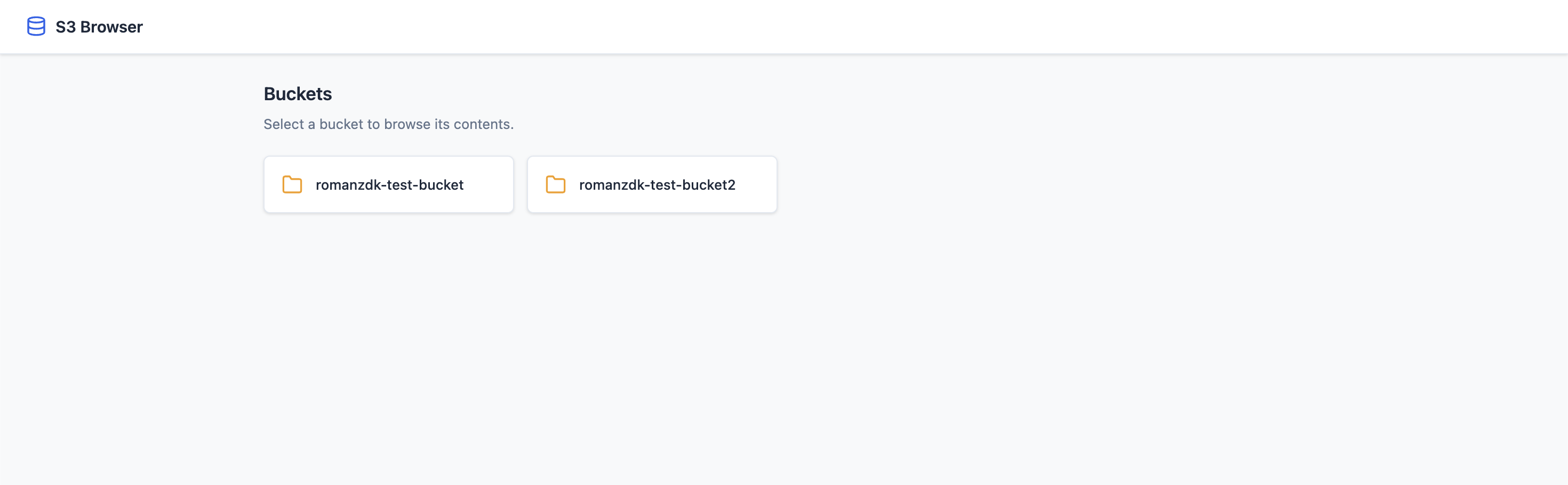
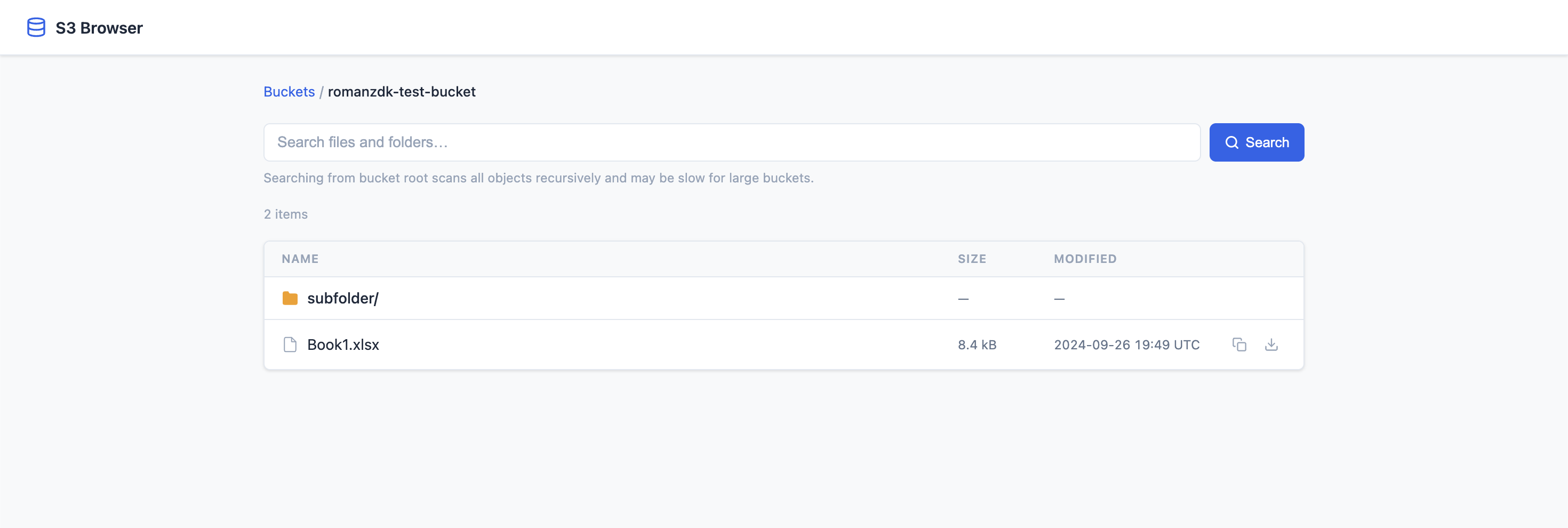
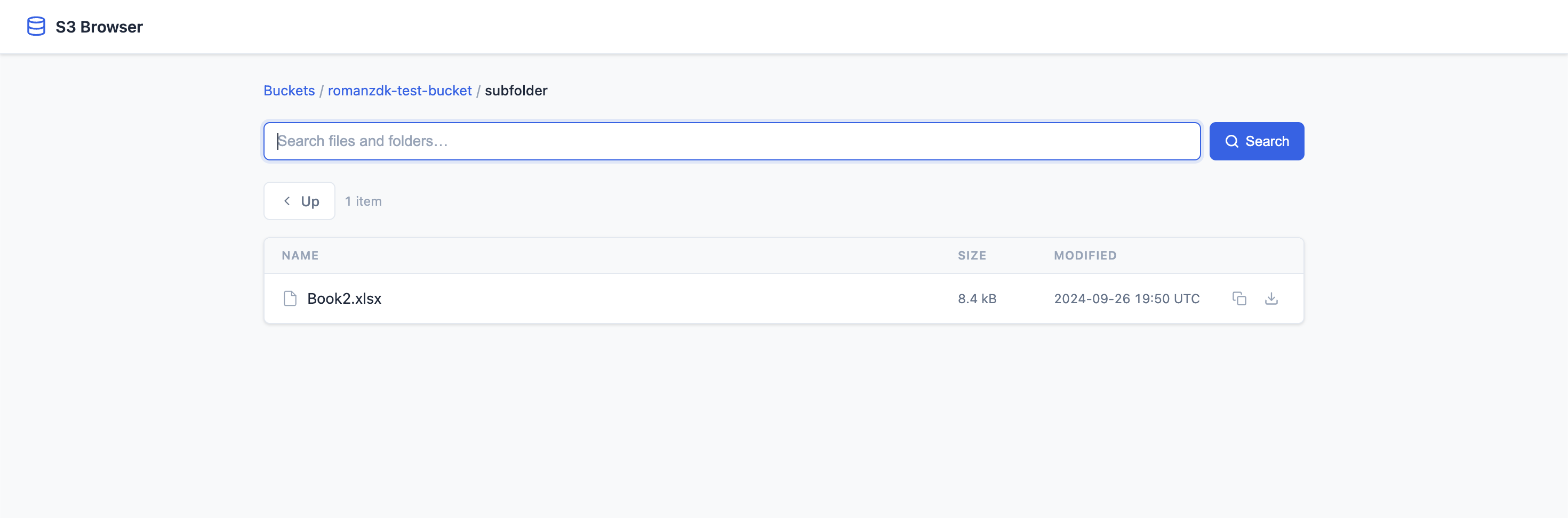
S3 web browser page preview S3 web browser page preview S3 web browser page preview
About
S3 Web Browser is a Flask-based web application that allows users to browse AWS S3 buckets and their contents via a simple web interface. It leverages Boto3, AWS's SDK for Python, to interact with S3. - List S3 Buckets: View all S3 buckets available to the AWS account in a card-based grid layout. - Browse Bucket Contents: Navigate through folders and files with breadcrumb navigation. - Search Bucket Contents: Recursively search for files and folders within any bucket or subdirectory (case-insensitive). - Generate Presigned URLs: Securely download S3 objects via temporary 1-hour presigned URLs. - Pagination: Browse large buckets efficiently with configurable page sizes. - Copy S3 Paths: One-click copy of S3 paths (s3://bucket/key) to clipboard. - Responsive UI: Modern interface with loading indicators and smooth navigation. All configuration is done via environment variables (or a .env file): S3 Web Browser is the open-source project romanzdk/s3-web-browser (https://github.com/romanzdk/s3-web-browser) by romanzdk, released under MIT. Ion packages it unmodified from commit 396c78c95ed2, adding only a manifest, an icon and a start script.
Source
Written by romanzdk, published to Oikou by Ben Grande.
- ★ 41 stars on GitHub
- Licence: MIT
- Upstream version v3.0.0
- Built from commit 396c78c95ed2
Age rating
Not rated. Nobody has said who this app is suitable for, so Personal Clouds and the Oikou app treat it as 18+.
What version 3.0.0 may do
Internet
It asks to reach nothing on the internet.
Personal Cloud tools
- Keep its files in S3-compatible storage of its own on your Personal Cloud ion.s3
Notifications
It does not send push notifications.
Storage
Up to 2 GB on your Personal Cloud.
Add to Personal Cloud
Sign in to add this web app to a Personal Cloud of yours. It runs there, on your own computer, and you open it from there; nothing is installed on your phone.
Versions
3.0.0 Latest Shown above
Published · a ready-built bundle
Imported from romanzdk/s3-web-browser at 396c78c95ed2 (v3.0.0).