
FNIRSI FNB58 Web Monitor WattBench for iPhone
by RedThoroughbred · io.github.redthoroughbred.fnb58-macos
Not TrustedWeb appUnrated★ 0 stars
FNIRSI FNB58 USB power meter: desktop web monitor (USB + Bluetooth) and home…
FNIRSI FNB58 USB power meter: desktop web monitor (USB + Bluetooth) and home of WattBench, the iPhone app
Screenshots
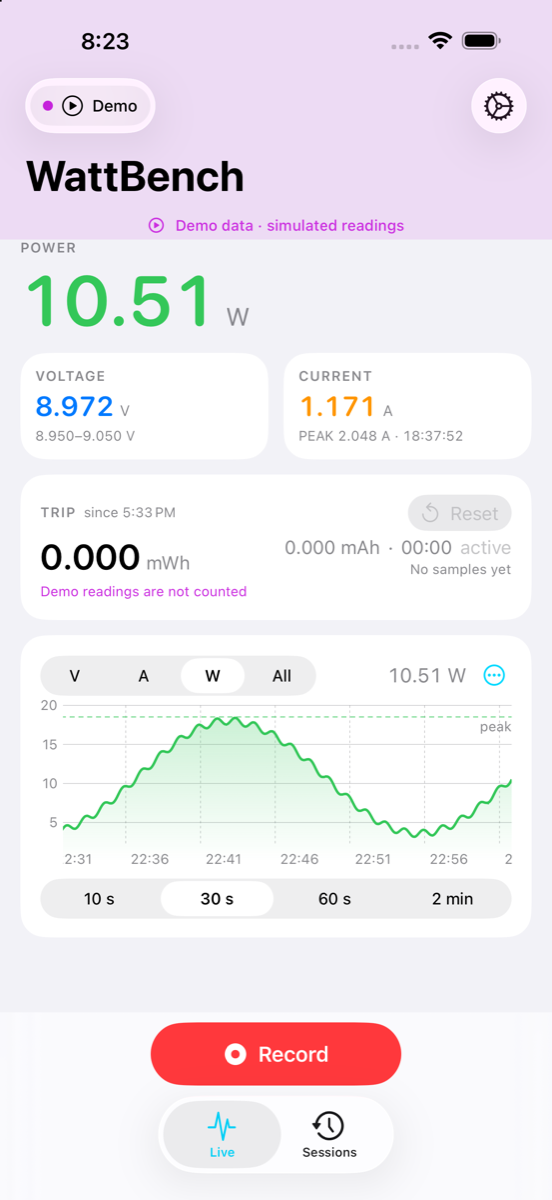
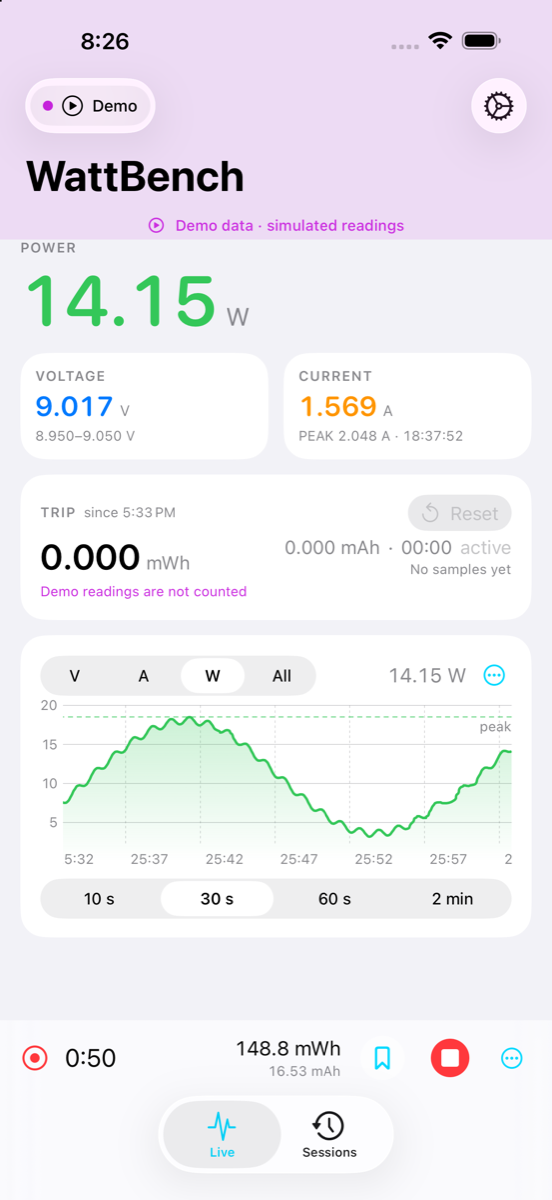
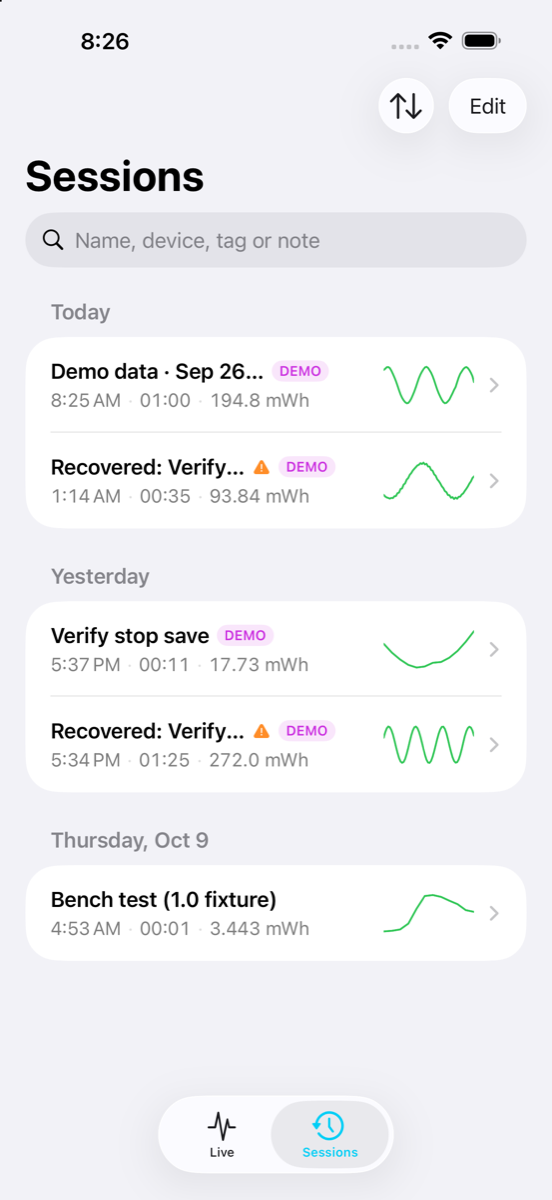
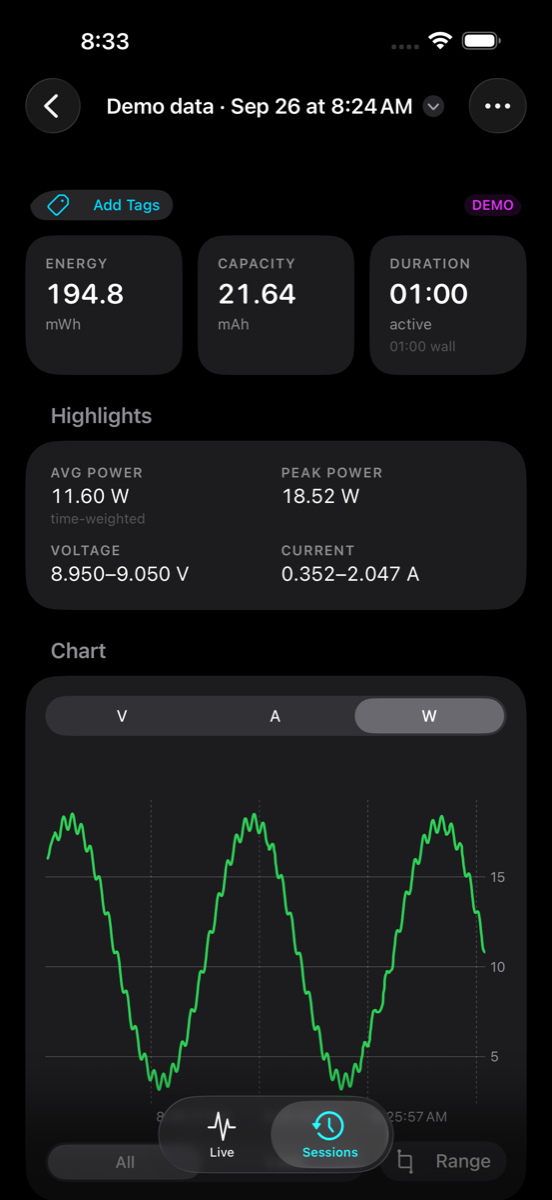
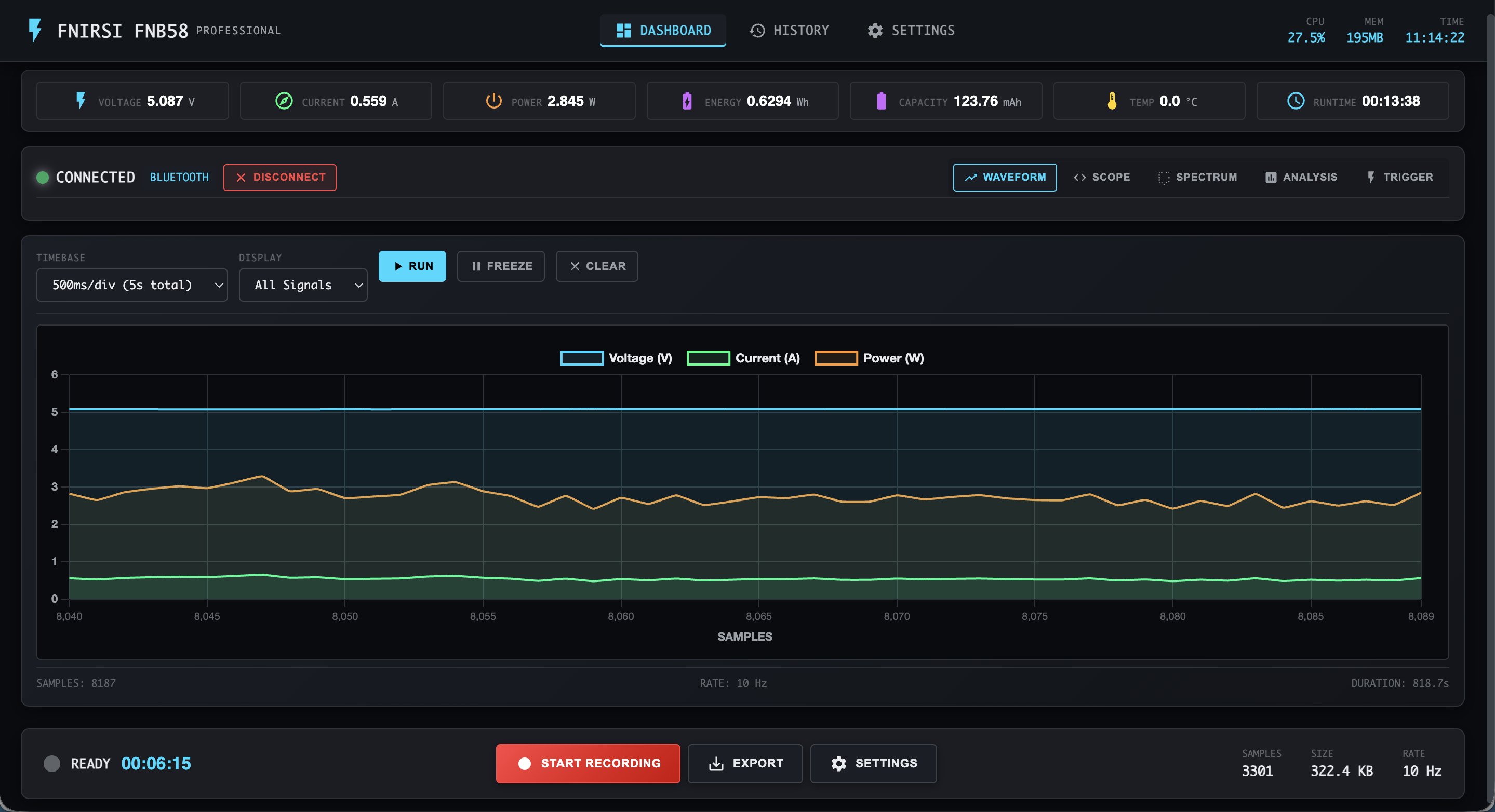
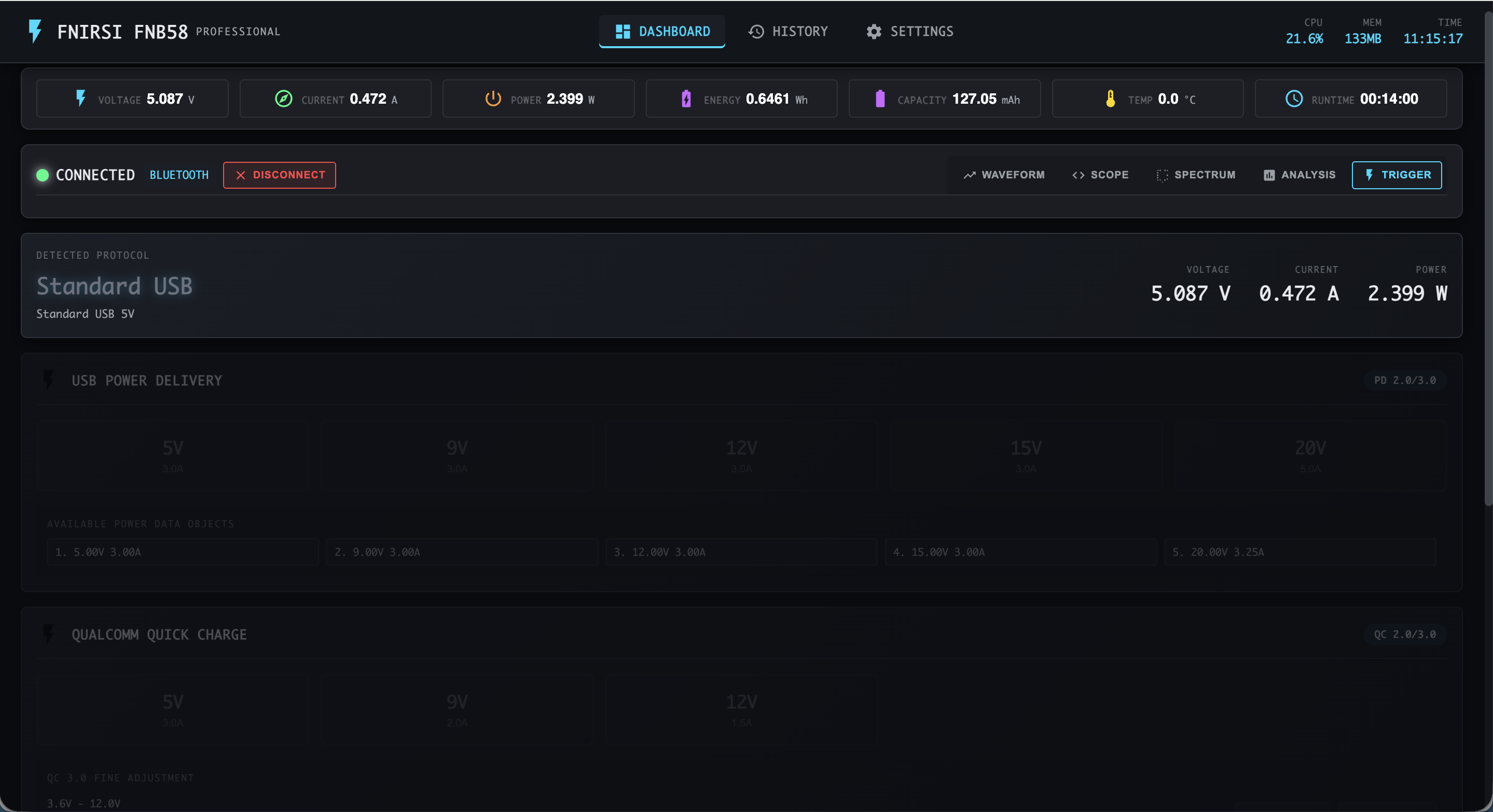
Live view Recording Sessions Session report Dashboard with Waveform View Trigger Mode
About
WattBench turns your iPhone into a wireless display and data logger for the FNIRSI FNB58 USB power meter. Connect over Bluetooth and watch voltage, current and power update live, record a whole charge cycle with the screen locked, review the curve later and export it as CSV. No account, no ads, no analytics, no network access — your data stays on your phone. iPhone · iOS 17+ · $2.99. - Live readouts with peak hold and a scrolling chart you can scrub and zoom (10 s – 2 min) - Trip counter — Wh and mAh since you plugged in, no recording needed - Crash-safe background recording — samples journaled to disk as they arrive; dropouts shown as gaps - Auto-stop rules (current below a threshold, duration, energy target) and markers - Session reports with min/max envelope, drag-to-select range statistics, notes and tags - Threshold alerts with presets, hysteresis and cooldown; local notifications when locked - CSV / summary export through the share sheet; Home Screen quick actions; reconnects by itself - Demo mode so you can explore the app before your meter arrives WattBench is a native SwiftUI + CoreBluetooth app, available on the App Store. Its source is not part of this repository; the Bluetooth protocol it speaks is documented and implemented in Python in device/bluetooth_reader.py. WattBench is an independent project and is not affiliated with or endorsed by FNIRSI. FNIRSI FNB58 Web Monitor WattBench for iPhone is the open-source project RedThoroughbred/FNB58-MacOS (https://github.com/RedThoroughbred/FNB58-MacOS) by RedThoroughbred, released under MIT. Ion packages it unmodified from commit 2a6257cebee4, adding only a manifest, an icon and a start script.
Source
Written by RedThoroughbred, published to Oikou by Ben Grande.
- ★ 0 stars on GitHub
- Licence: MIT
- Built from commit 2a6257cebee4
Age rating
Not rated. Nobody has said who this app is suitable for, so Personal Clouds and the Oikou app treat it as 18+.
What version 0.20261002.0 may do
Internet
It asks to reach these hosts, and no others:
- cdn.jsdelivr.net
- cdn.socket.io
- cdn.tailwindcss.com
Bluetooth
Can find the Bluetooth devices near your Personal Cloud’s computer (names, signal strength), which can tell whose phones and watches are around, connect to them and read them, and change their settings or send them commands: Finds the Bluetooth devices nearby, connects to them, reads their data and controls them
Asks for BlueZ in its container (Personal Clouds on Linux).
You choose the level on your Personal Cloud, and can give less. Each scan and each new connection needs your approval unless you allow it always, and it names devices by identifiers of its own unless you give it their real addresses.
USB and serial devices on your Personal Cloud’s computer
- Can use a USB device plugged into your Personal Cloud’s computer that you choose (raw access can change its settings or firmware): Your FNIRSI FNB58 USB power meter, on its USB cable (usb-device)
You pick one device for each on your Personal Cloud, and can let it only read it. It gets that device alone, never the others plugged in; one it may write to is its to command.
Personal Cloud tools
None. It uses nothing from your Personal Cloud beyond its own storage.
Notifications
It does not send push notifications.
Storage
Up to 512 MB on your Personal Cloud.
Its address
Works best with its own address. A Personal Cloud shared through Cloudflare can give it one; on a private Personal Cloud on Tailscale it opens under your Personal Cloud’s address, where it may not work fully. Private and shared Personal Clouds
Add to Personal Cloud
Sign in to add this web app to a Personal Cloud of yours. It runs there, on your own computer, and you open it from there; nothing is installed on your phone.
Versions
0.20261002.0 Latest Shown above
Published · a ready-built bundle
Imported from RedThoroughbred/FNB58-MacOS at 2a6257cebee4.