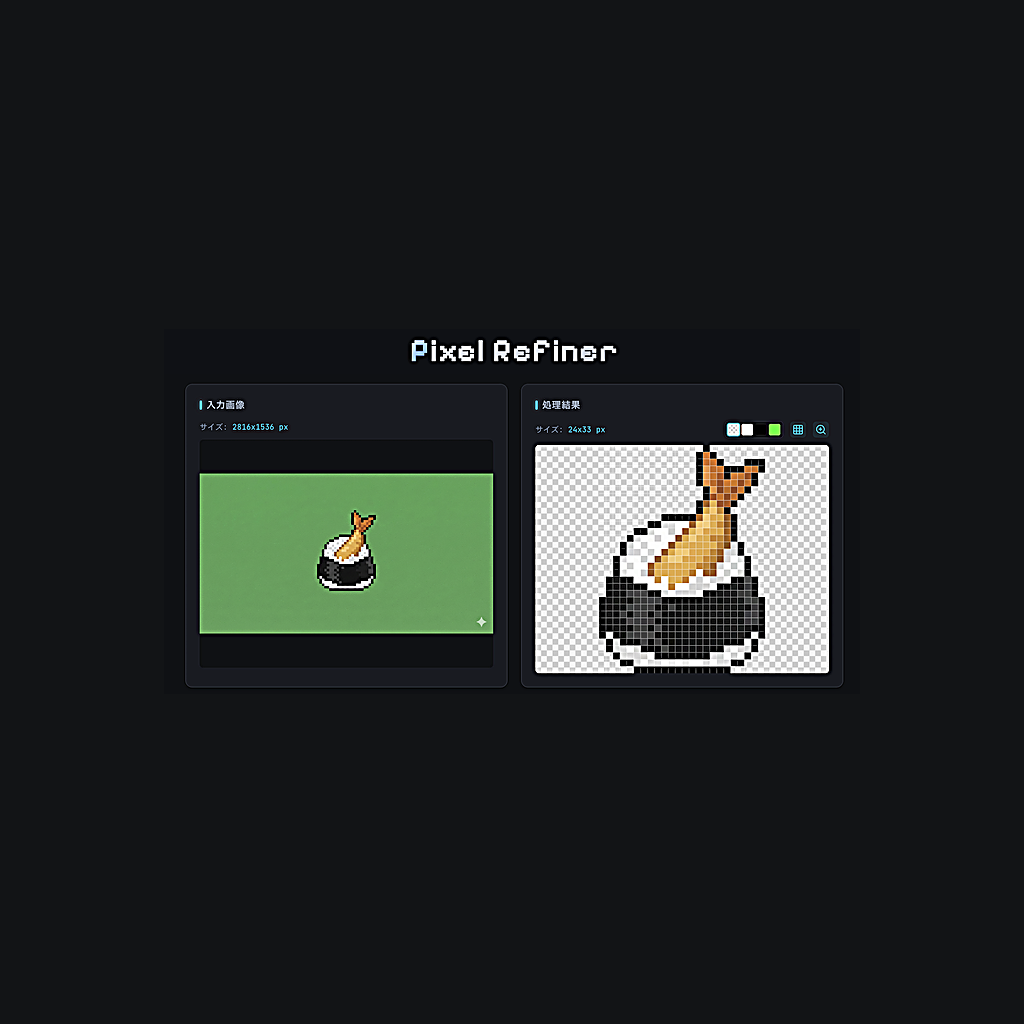
Pixel Refiner
by HappyOnigiri · io.github.happyonigiri.pixelrefiner
Not TrustedWeb appUnrated★ 258 stars
Clean up AI-generated pixel art into production-ready sprites.
Clean up AI-generated pixel art into production-ready sprites. Removes anti-aliasing, detects grids, converts palettes, and optimizes transparency—all in your browser.
Screenshots
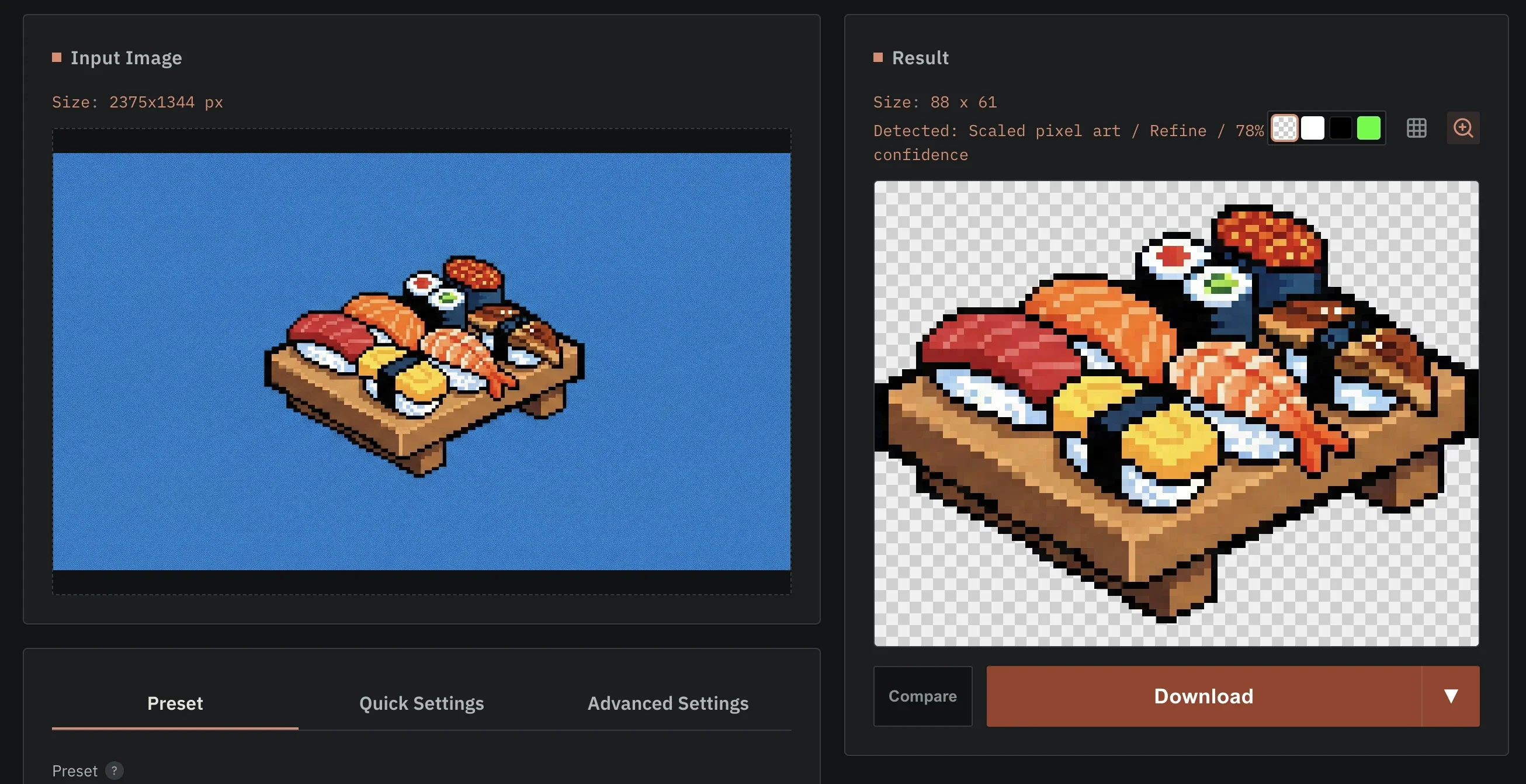
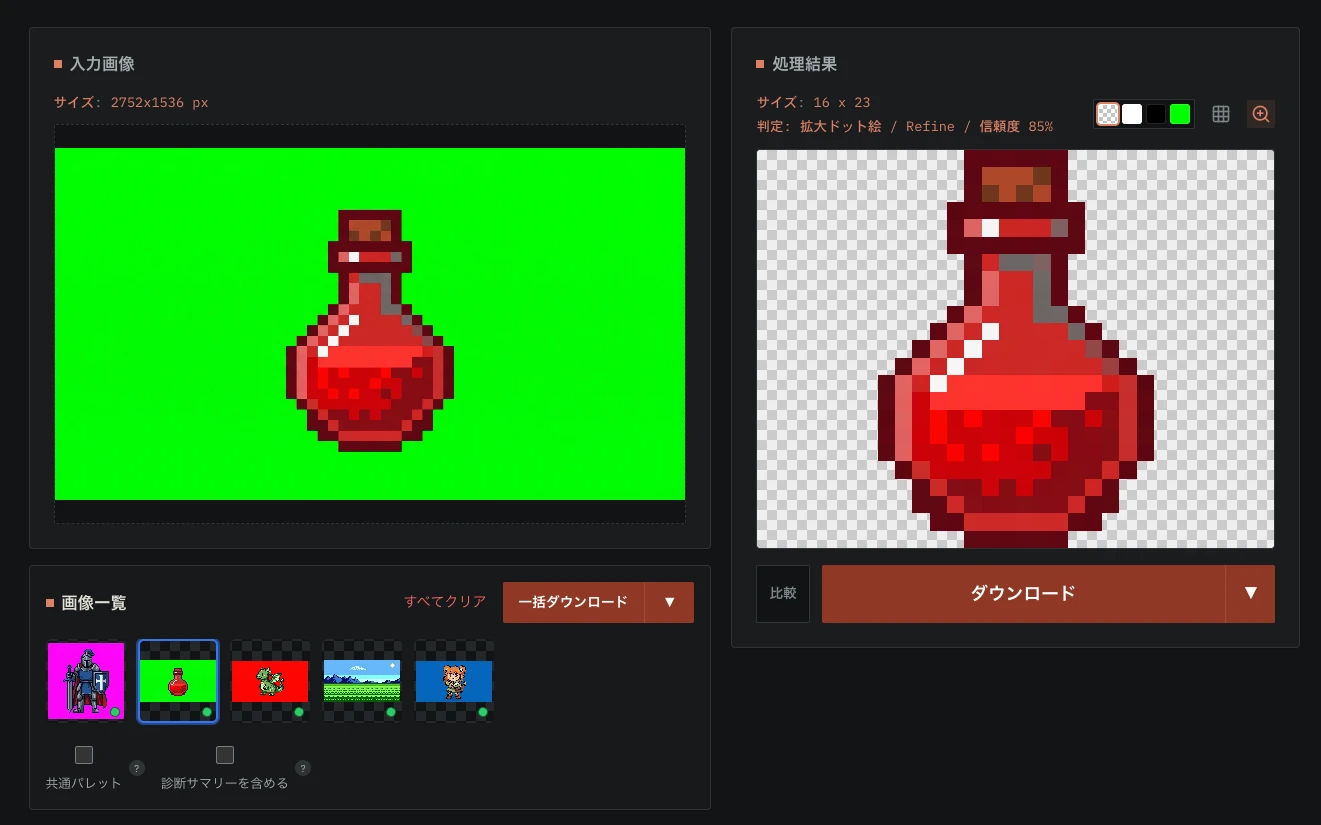
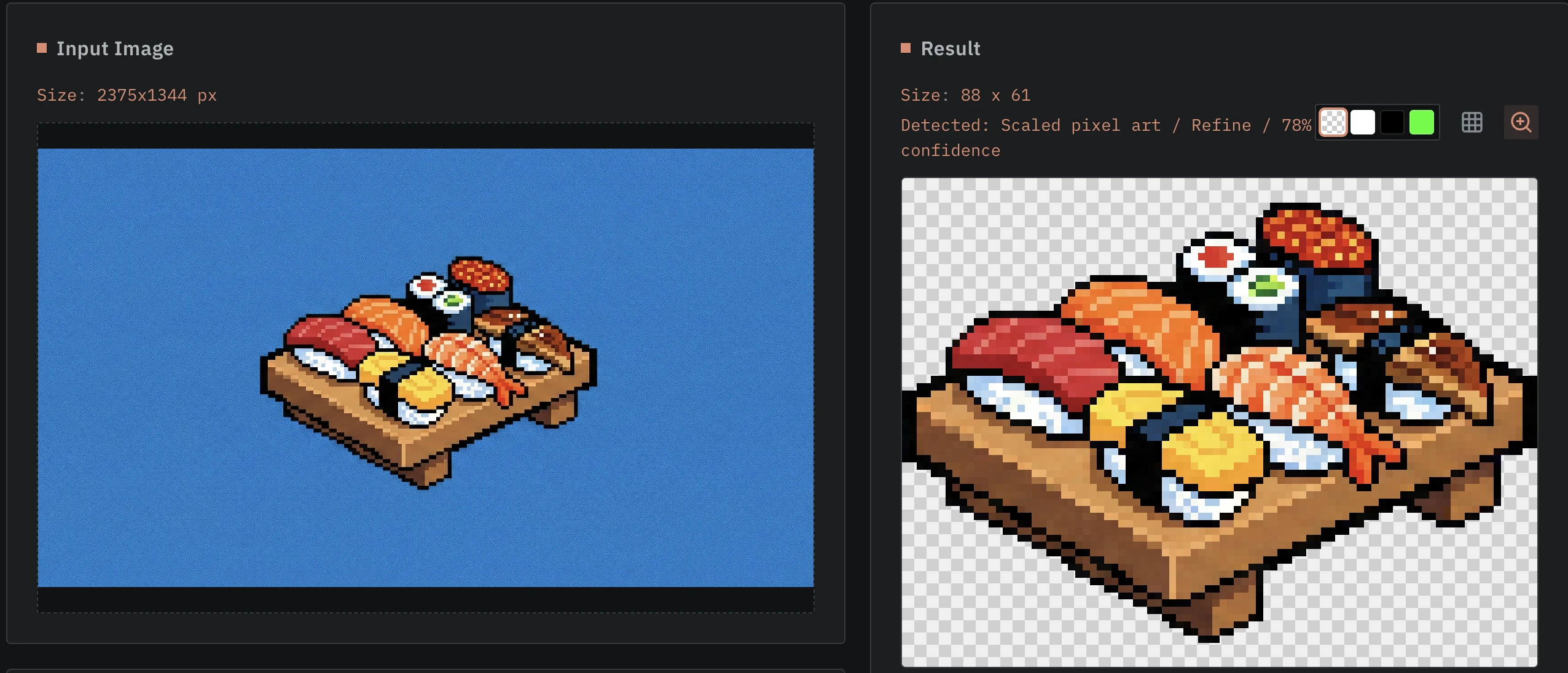
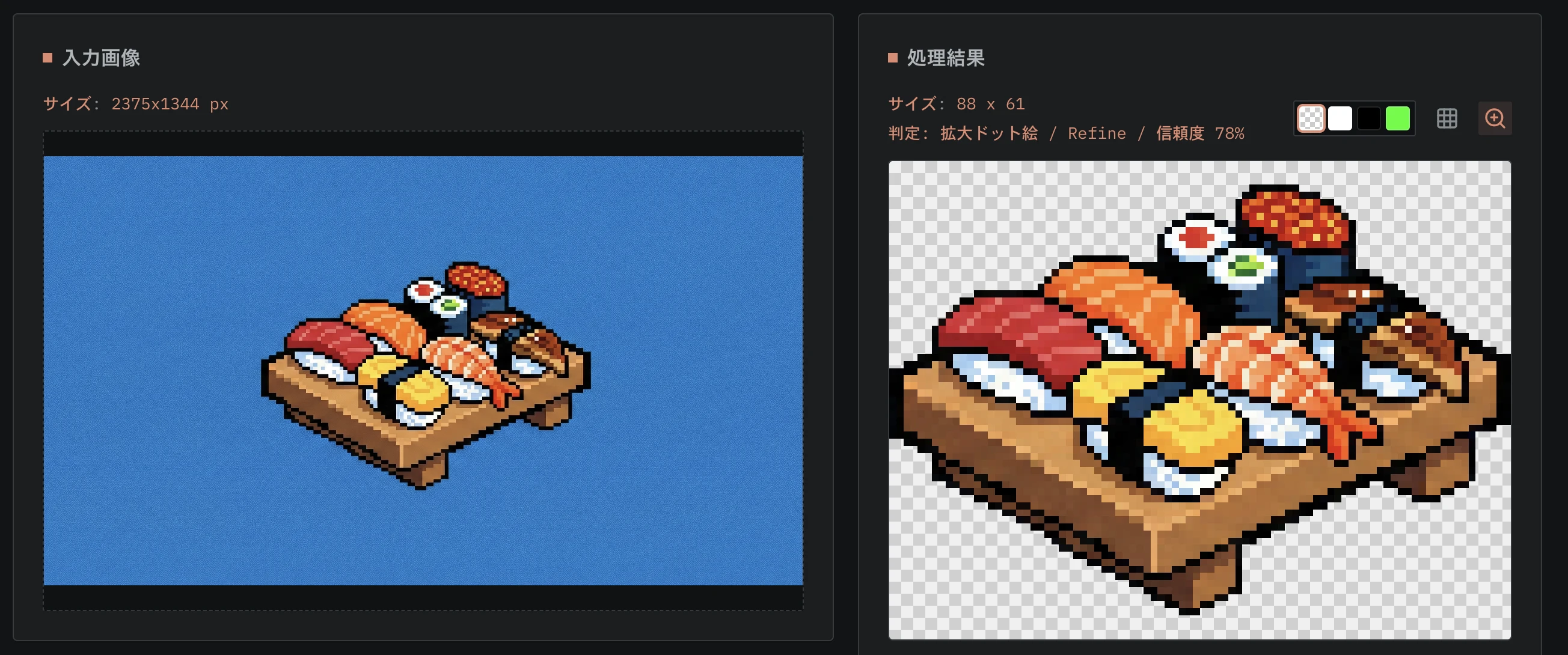
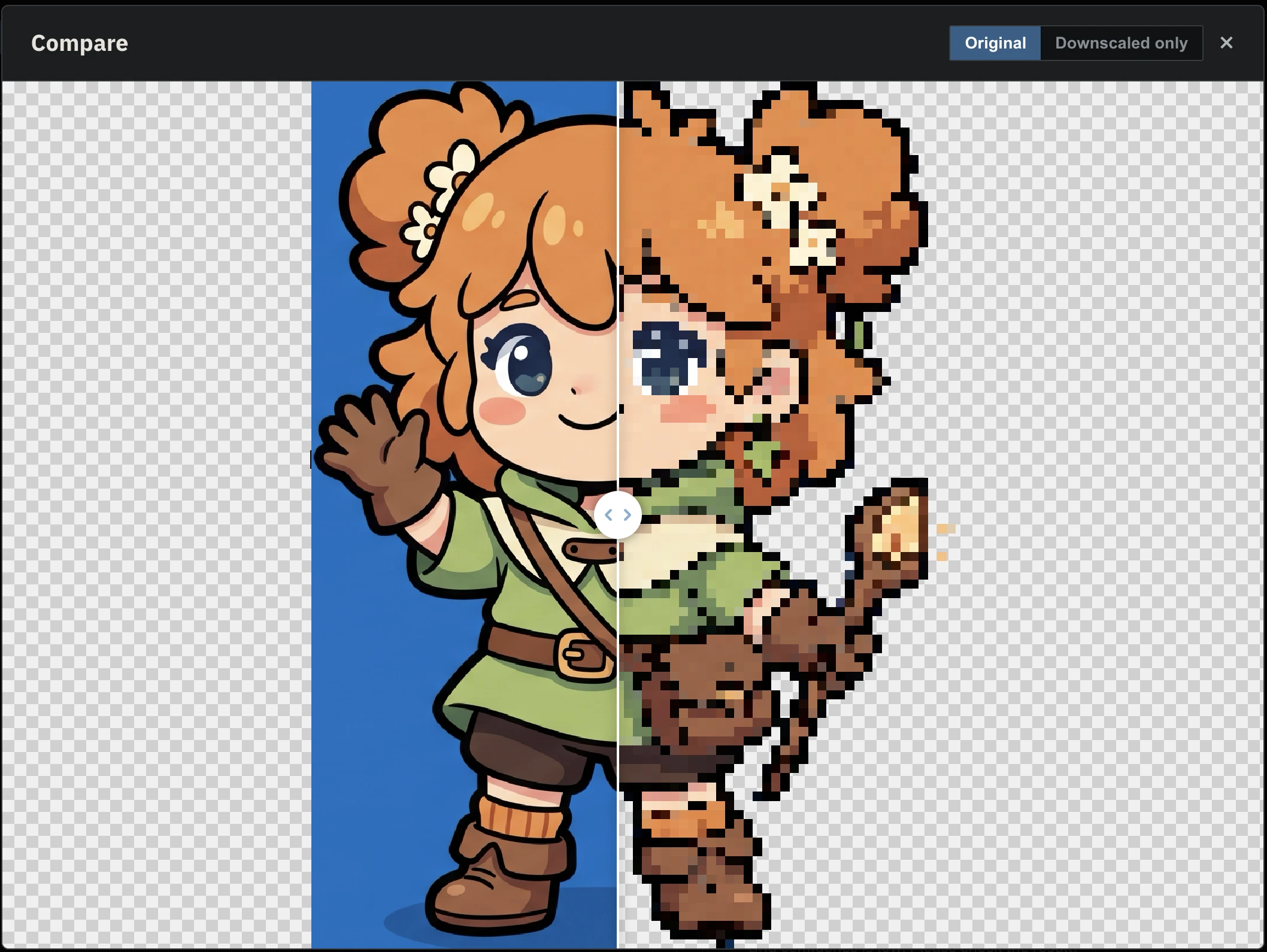
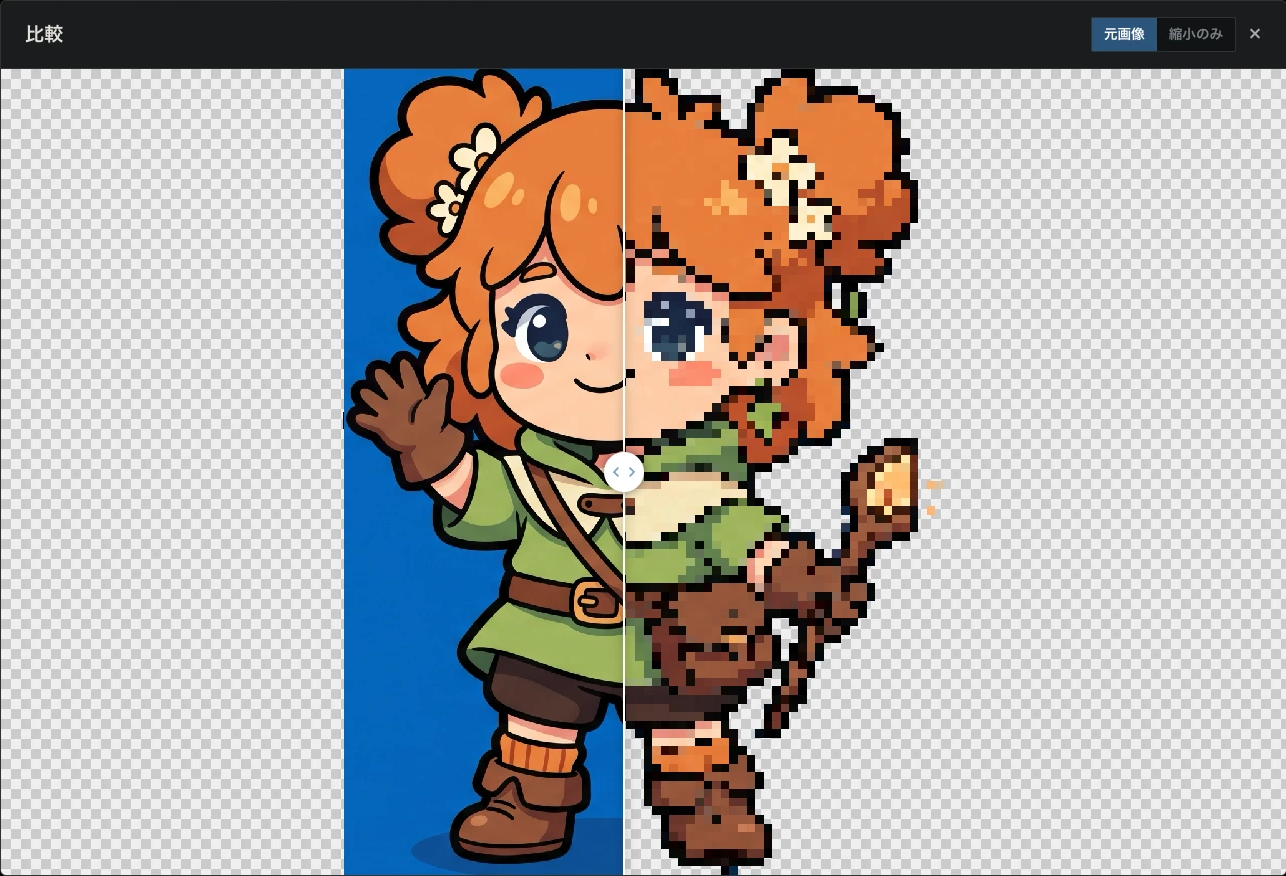
Pixel Refiner Demo batch processing before after demo en before after demo compare view en compare view
About
Pixel Refiner is a web-based tool that cleans up pixel art — especially AI-generated pixel art — and turns it into high-quality assets and icons. It removes anti-aliasing, auto-detects pixel grids, makes backgrounds transparent, and supports batch processing of multiple images — all running fast in the browser. AI-generated pixel art often comes with blurry edges (anti-aliasing artifacts), misaligned grids, and opaque backgrounds. Pixel Refiner fixes all of that. - Anti-aliasing removal — Sharpens blurry edges back into clean, crisp pixels. - Intelligent Grid Detection — Automatically detects the pixel grid size and resamples to the optimal resolution. - Grid Candidate Selection — Displays multiple candidates for the best grid size; manually select the one that fits perfectly. - Flexible Modes — Choose from Auto, Hint (Pixel + Auto), Force (Pixel only), or Off (1:1). - High-Resolution Support — Enhanced accuracy for large images and complex pixel patterns. - Fast estimation — A turbo mode for quick previews, even on large images. - Smart background removal: - Auto mode (default) — Estimates the background from the whole image border, covering gradients and light noise - Corner-color transparency (manual selection) - Eyedropper tool — Click to pick the exact background color - Adjustable tolerance - Interior hole filling (e.g. the inside of a donut shape) - Safe logical-pixel noise cleanup with Off, Light (Keep Details), Auto, and Strong modes - Color reduction & palette mapping: - Retro console palettes — NES, Game Boy, SNES, PC-9801, MSX1, PICO-8, and more. - Custom quantization — High-quality color reduction using Oklab color space and K-means clustering. - Dithering — Supports Floyd-Steinberg, Bayer (2x2, 4x4, 8x8), and Ordered dithering. - Outline generation — Automatically adds an outline (stroke) to the sprite. - Styles — Rounded (8-way) or Sharp (4-way). - Custom color — Choose any color for the outline. - Auto-centered settings — Start with purpose-based controls for processing, detail, colors, background, dithering, and outline; technical controls remain available under Advanced Settings. - Purpose presets — Choose Auto, Crisp Sprite, Keep Fine Details, Transparent Icon, Limited Colors, or Photo to Pixel, and save custom configurations for reuse. - Auto trim — Strips transparent margins and crops to content bounds. - Forced resize — Resizes to an exact pixel dimension you specify. - Scaled export — Download at x2, x4, … up to x32 for use in game engines and other tools. - Multi-image processing: - Batch upload — Drag and drop multiple files at once. - Session management — Manage multiple images, remove unwanted ones, or clear all. - Batch download — Process all images and download them as a single ZIP file. - Batch scaling — Apply a specific scale factor to all images in the ZIP export. - Non-blocking processing — Heavy image processing runs in a Web Worker so the UI stays responsive. - Toast notifications — Real-time feedback for actions like saving presets or completing downloads. Pixel Refiner is the open-source project HappyOnigiri/PixelRefiner (https://github.com/HappyOnigiri/PixelRefiner) by HappyOnigiri, released under MIT. Ion packages it unmodified from commit c32659f35070, adding only a manifest, an icon and a storage compatibility script.
Source
Written by HappyOnigiri, published to Oikou by Ben Grande.
- ★ 258 stars on GitHub
- Licence: MIT
- Upstream version v1.1.1
- Built from commit c32659f35070
Age rating
Not rated. Nobody has said who this app is suitable for, so Personal Clouds and the Oikou app treat it as 18+.
What version 1.1.1 may do
Internet
It asks to reach these hosts, and no others:
- fonts.gstatic.com
- pixel-refiner.app
- happyonigiri.github.io
- fonts.googleapis.com
Personal Cloud tools
- Keep a database of its own on your Personal Cloud ion.db
Notifications
It does not send push notifications.
Storage
Up to 256 MB on your Personal Cloud.
Add to Personal Cloud
Sign in to add this web app to a Personal Cloud of yours. It runs there, on your own computer, and you open it from there; nothing is installed on your phone.
Versions
1.1.1 Latest Shown above
Published · a ready-built bundle
Imported from HappyOnigiri/PixelRefiner at c32659f35070 (v1.1.1).