
Nutify - UPS Monitoring System
by DartSteven · io.github.dartsteven.nutify
Not TrustedWeb appUnrated★ 851 stars
Modern web-based UPS monitoring system with real-time data visualization…
Modern web-based UPS monitoring system with real-time data visualization, alerts, and comprehensive reporting. Docker-ready with multi-architecture support.
Screenshots
Energy dashboard Battery dashboard Power dashboard Voltage dashboard Energy dashboard Energy Details dashboard
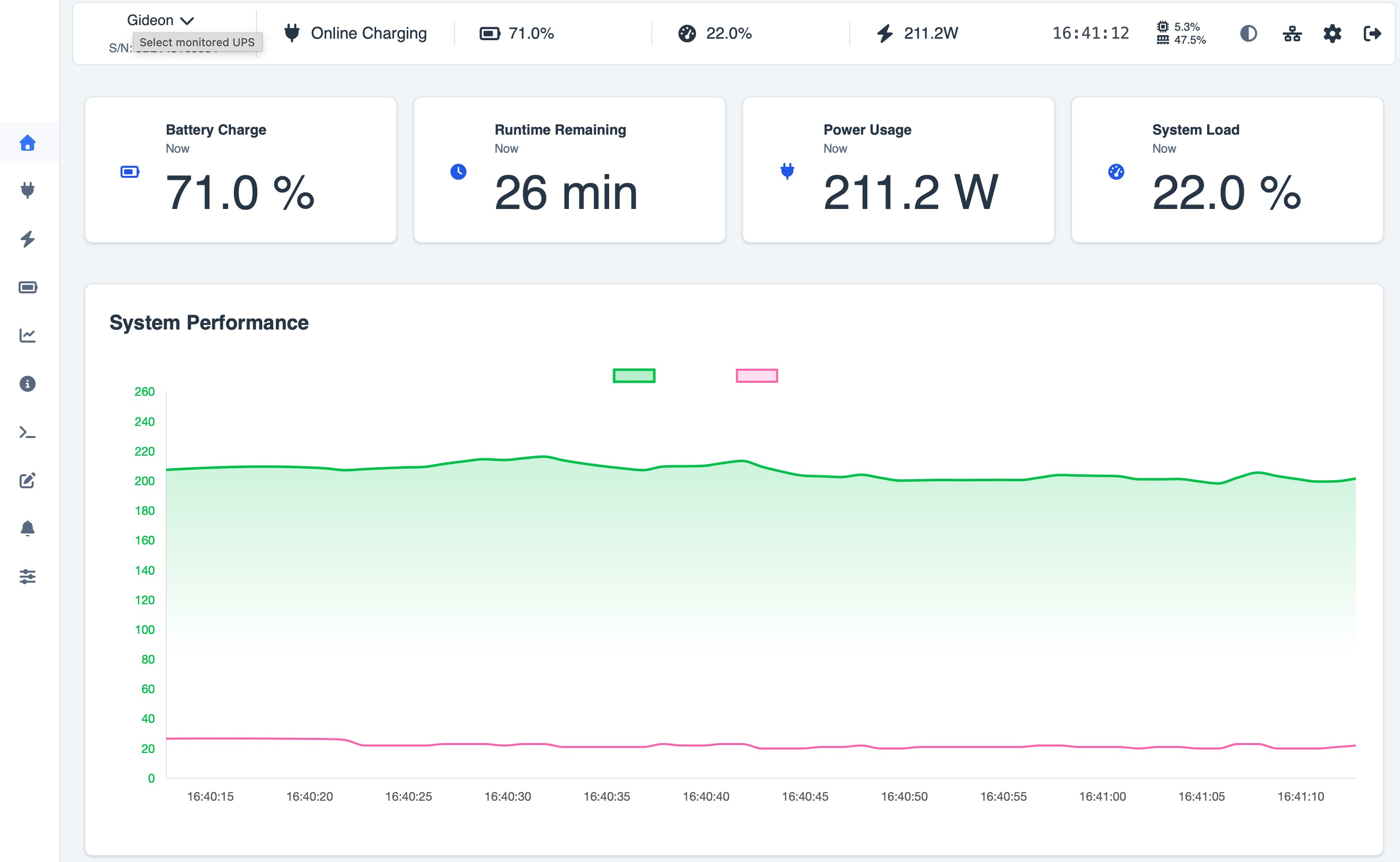
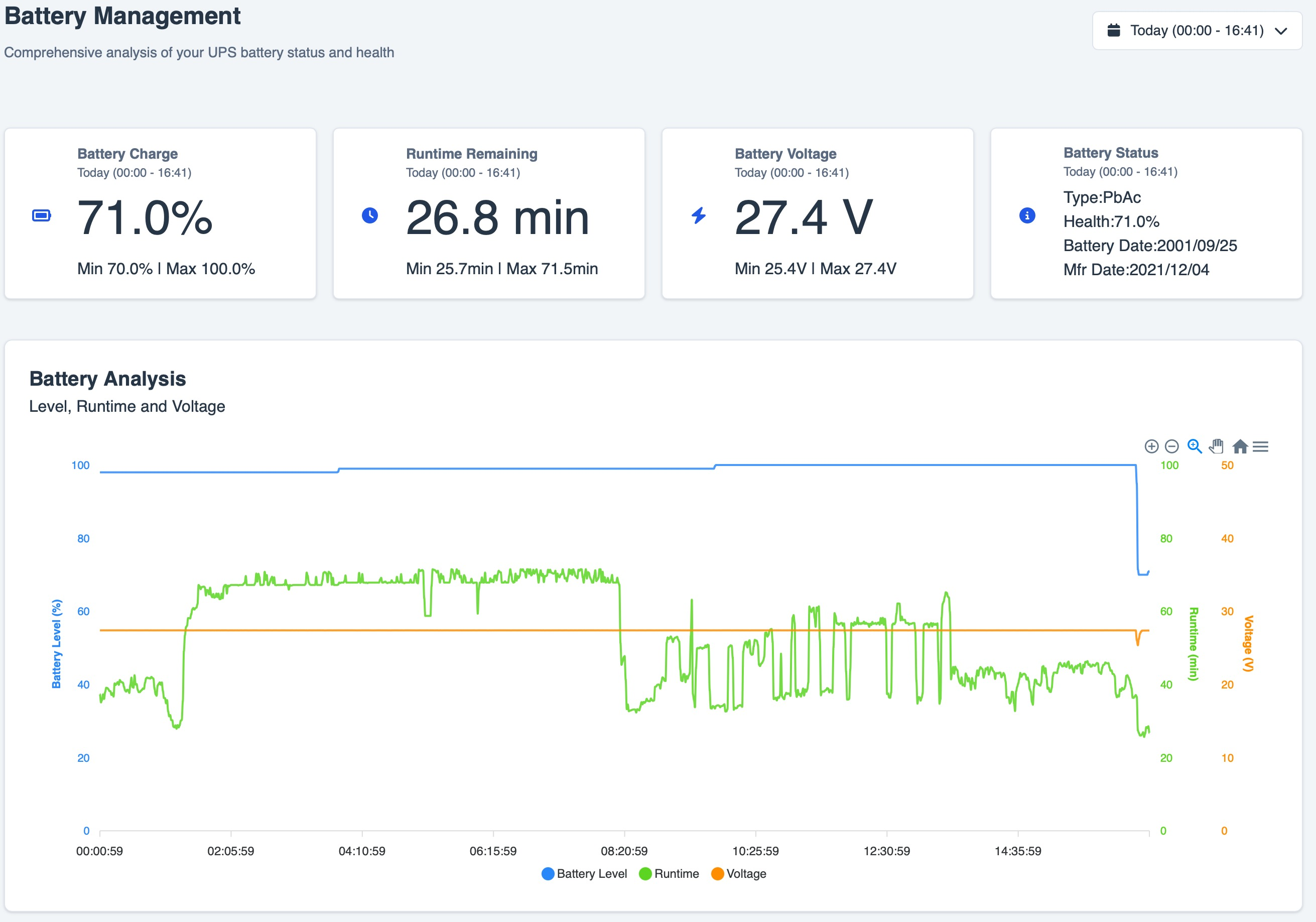
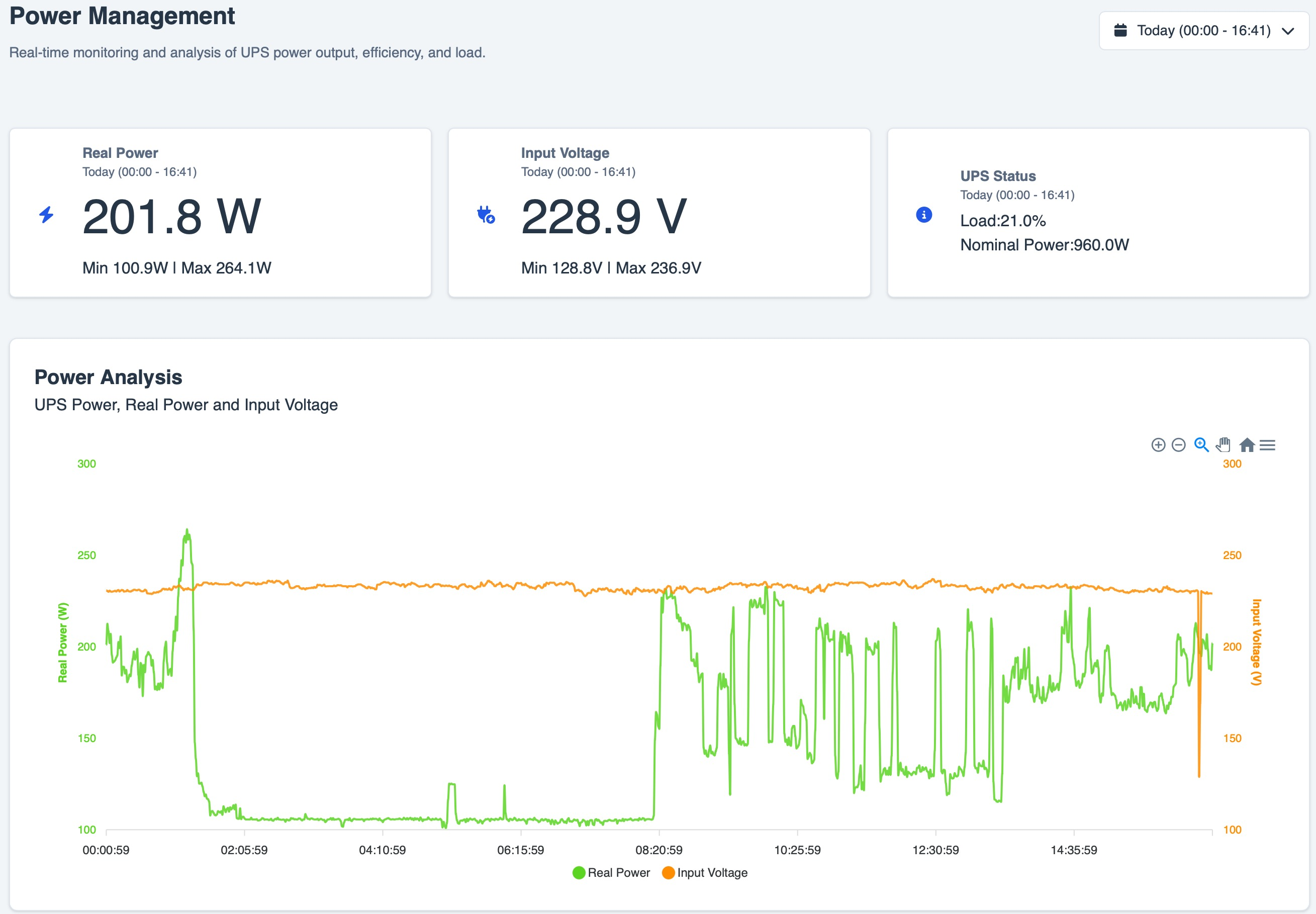
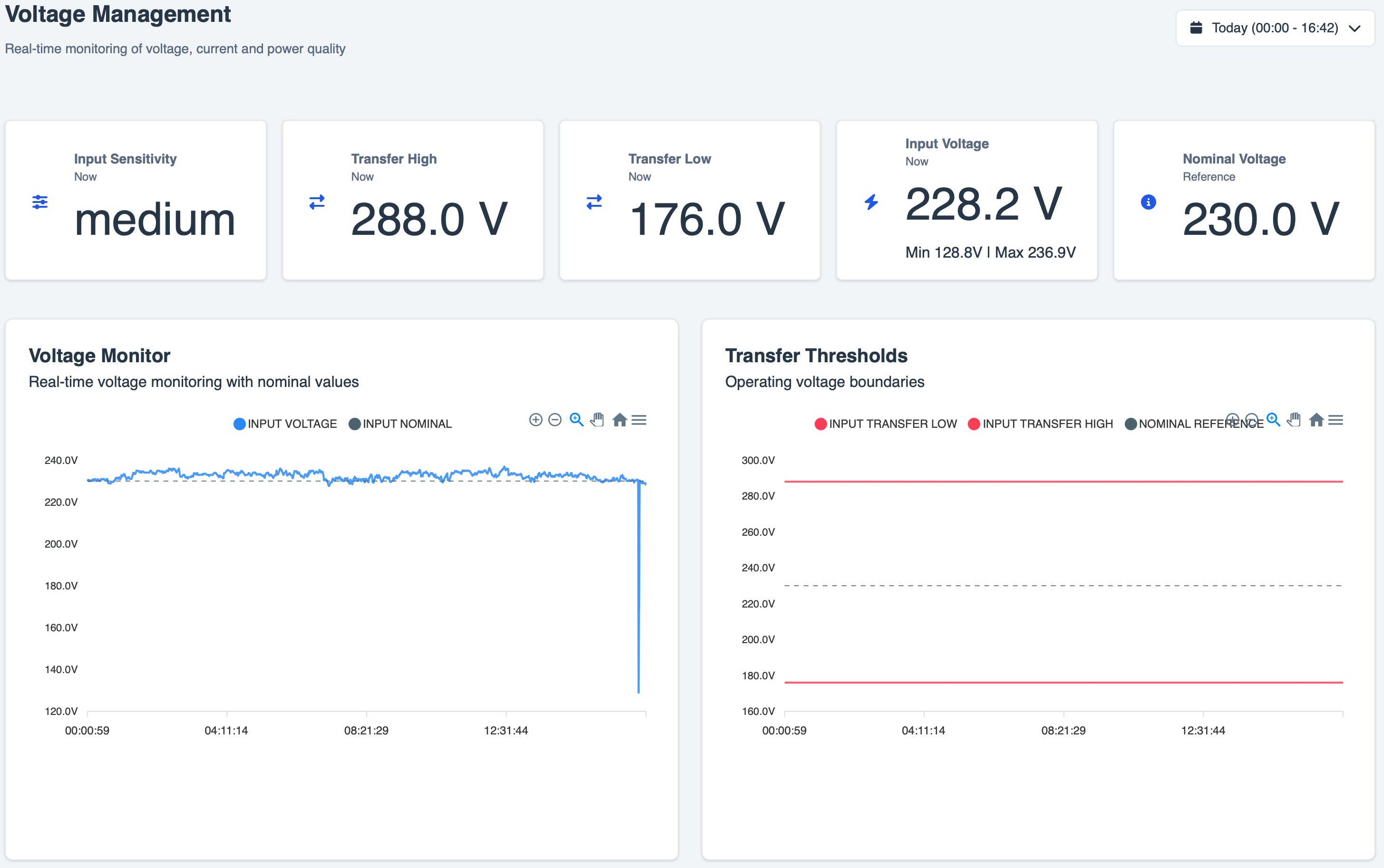
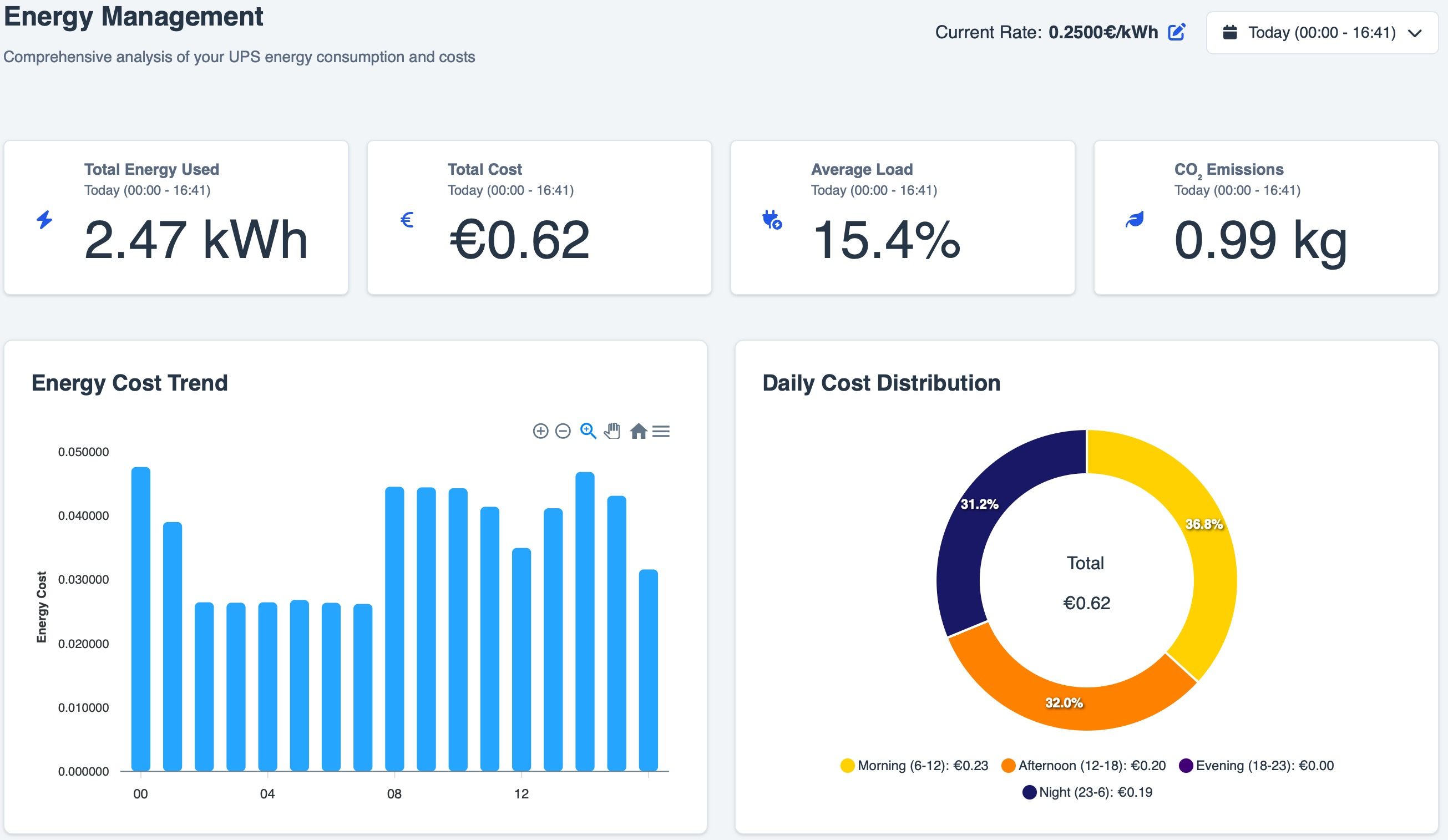
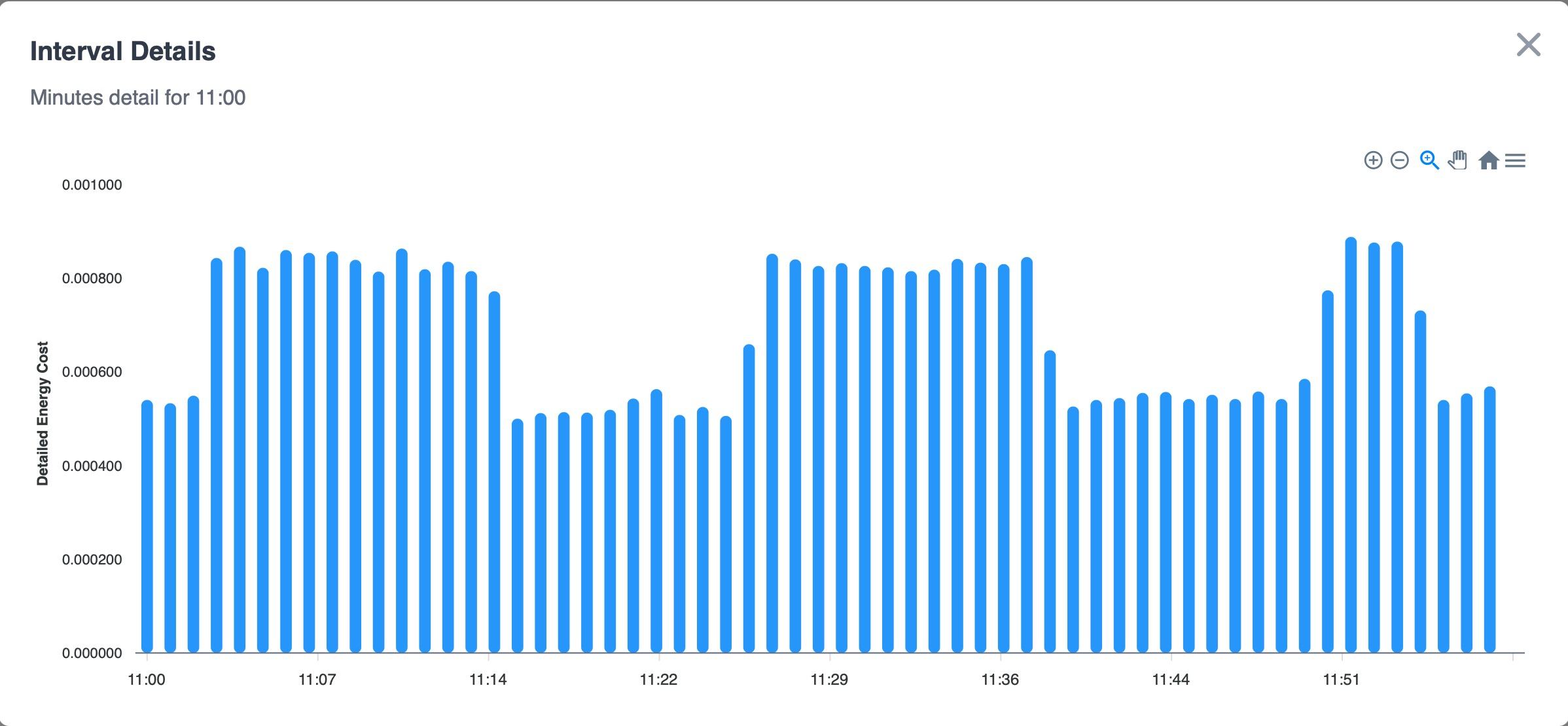
About
Nutify is an open-source UPS monitoring and management platform built on top of Network UPS Tools (NUT). It provides real-time status, historical telemetry, alerts, scheduled reports, and interactive charts through a modern web interface. From single-UPS setups to mixed local/remote multi-UPS fleets, Nutify helps you configure, monitor, and operate your power infrastructure from one place. Join our Discord community for support, testing, and feature discussions. If Nutify helps you, please consider starring the project on GitHub. For full details, see GitHub Releases and changelog.md. Each GitHub Release includes deployment files, checksums, Docker image metadata, and GitHub-generated source ZIP/TAR.GZ archives. Nutify is available for multiple hardware platforms: Nutify - UPS Monitoring System is the open-source project DartSteven/Nutify (https://github.com/DartSteven/Nutify) by DartSteven, released under MIT. Ion packages it unmodified from commit 943c5794773c, adding only a manifest, an icon and a start script.
Source
Written by DartSteven, published to Oikou by Ben Grande.
- ★ 851 stars on GitHub
- Licence: MIT
- Built from commit 943c5794773c
Age rating
Not rated. Nobody has said who this app is suitable for, so Personal Clouds and the Oikou app treat it as 18+.
What version 0.20260929.0 may do
Internet
It asks to reach these hosts, and no others:
- ntfy.sh
- api.telegram.org
- nominatim.openstreetmap.org
While your Personal Cloud builds it, the build asks to download from:
- registry.npmjs.org
- registry.yarnpkg.com
- pypi.org
- files.pythonhosted.org
- github.com
- codeload.github.com
- objects.githubusercontent.com
- dl-cdn.alpinelinux.org
- deb.debian.org
- security.debian.org
- proxy.golang.org
- index.crates.io
- static.crates.io
- nodejs.org
USB and serial devices on your Personal Cloud’s computer
- Can use a USB device plugged into your Personal Cloud’s computer that you choose (raw access can change its settings or firmware): Your UPS, on its USB cable (ups)
- Can talk to a serial port on your Personal Cloud’s computer that you choose (a printer, a board, a Zigbee stick): Your UPS, on a serial cable or a USB-serial adapter (older models) (ups-serial)
You pick one device for each on your Personal Cloud, and can let it only read it. It gets that device alone, never the others plugged in; one it may write to is its to command.
Personal Cloud tools
None. It uses nothing from your Personal Cloud beyond its own storage.
Notifications
It does not send push notifications.
Storage
Up to 512 MB on your Personal Cloud.
Its address
Works best with its own address. A Personal Cloud shared through Cloudflare can give it one; on a private Personal Cloud on Tailscale it opens under your Personal Cloud’s address, where it may not work fully. Private and shared Personal Clouds
Add to Personal Cloud
Sign in to add this web app to a Personal Cloud of yours. It runs there, on your own computer, and you open it from there; nothing is installed on your phone.
Versions
0.20260929.0 Latest Shown above
Published · a ready-built bundle
Imported from DartSteven/Nutify at 943c5794773c.